

3D printed fidget toys have taken the maker community by storm, offering endless possibilities for customization, creativity, and practical stress relief. Whether you need a quiet gadget for focus during work meetings, a satisfying clicker for anxious moments, or a fun project to share with kids, your 3D printer can produce a wide variety of fidget toys at minimal cost. This guide covers the best designs, recommended filaments, printing tips, and how to get started—even if you’re a beginner.
Why 3D Print Your Own Fidget Toys?
Buying fidget toys online can be expensive, and options are often limited to generic colors and designs. 3D printing gives you total control:
- Customization: Choose any color, size, or material. Add your name or a logo.
- Cost‑Effective: A few cents of filament vs. several dollars per toy.
- Endless Variety: Download thousands of free designs or create your own.
- Rapid Iteration: Print a prototype, test it, and modify the design in hours.
- Sustainability: Use biodegradable PLA or recycled filaments.
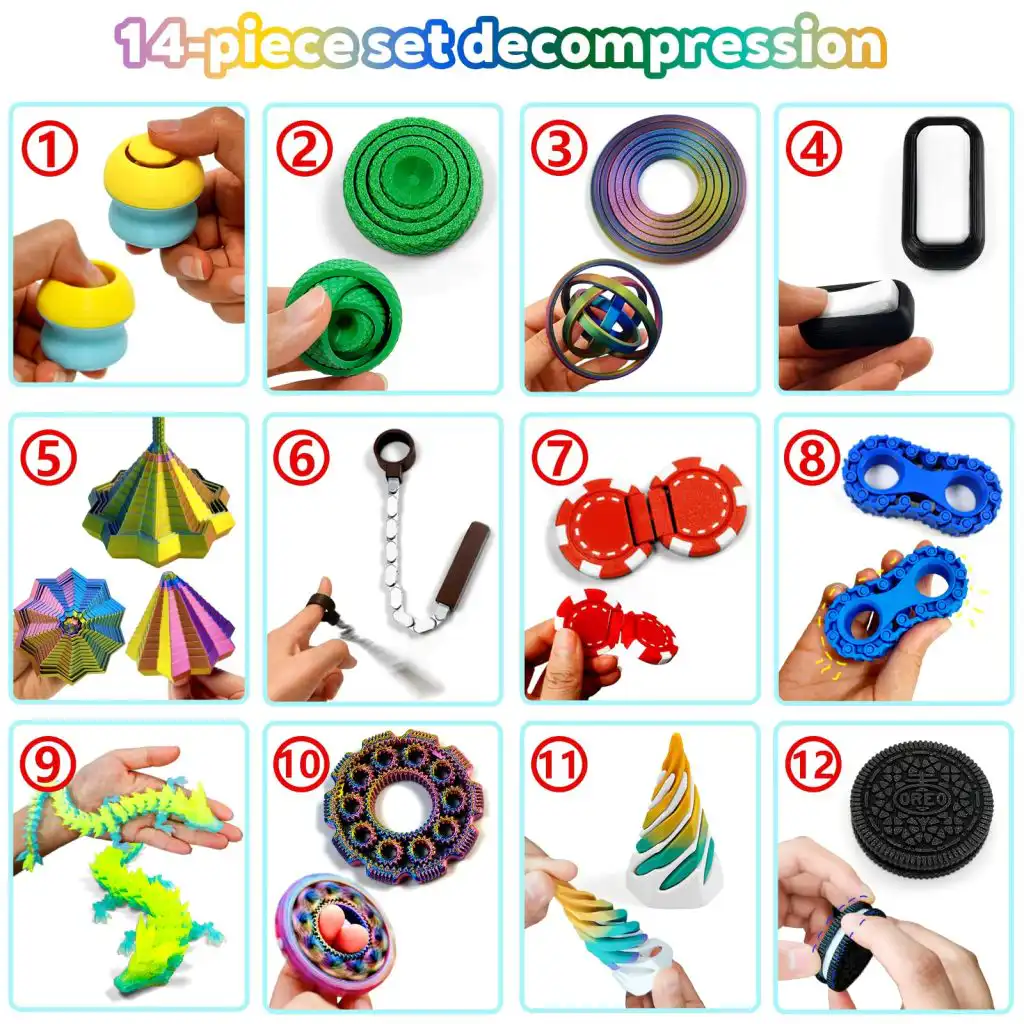
Top 10 3D Printed Fidget Toys You Can Make
Below are some of the most popular and satisfying fidget toys that work well on most FDM printers (e.g., FlashForge Adventurer 5M, Ender 3, Prusa). All designs are widely available on platforms like Printables, Thingiverse, and Cults3D.
| Toy Name | Difficulty | Print Time | Best Filament | Why It’s Fun |
|---|---|---|---|---|
| Infinity Cube | متوسط | 3–5 hours | PLA, PETG | Folds endlessly; smooth rotation |
| Gear Bearing (Fidget Spinner) | سهولة | 1–2 hours | PLA | Classic spin; no supports needed |
| Clicker / Haptic Coin | سهولة | 30–60 min | PLA, PETG | Satisfying magnetic-like click |
| Zipper Fidget | سهولة | 45 min | PLA | Pull back and forth like a zipper |
| Snake / Articulated Slug | سهولة | 1–2 hours | PLA, TPU | Flexible segments; great for tactile play |
| Stress Reliever Keychain | سهولة | 20–30 min | TPU (flexible) or PLA | Squeezable or clickable pocket tool |
| Gear Train (Differential) | متوسط | 2–3 hours | PLA, PETG | Meshing gears spin smoothly |
| Fidget Pad (Buttons & Joystick) | سهولة | 1 hour | PLA | Multiple clickers and a sliding switch |
| Möbius Gear Set | Hard | 4–6 hours | PLA, PETG | Interlocking non‑circular gears |
| Torus Knot / Infinity Knot | متوسط | 2–3 hours | PLA, Silk PLA | Endless twisting path; visually appealing |
ملاحظة: Difficulty refers to assembly and support removal, not printing complexity.

Best Filaments for 3D Printed Fidget Toys
The choice of filament affects the toy’s feel, durability, and safety. Here’s a quick guide.
| Filament | Pros | Cons | الأفضل لـ |
|---|---|---|---|
| PLA | Easy to print, low warp, cheap, stiff | Brittle, not impact‑resistant | Most toys (gears, cubes, clickers) |
| PETG | Tough, slightly flexible, better layer adhesion | More stringing, needs higher temp | Toys that get dropped or squeezed |
| TPU | Rubber‑like, flexible, quiet | Harder to print, slower | Soft squeezables, zippers, sliders |
| ABS/ASA | Durable, heat resistant | Warping, fumes, enclosure needed | Outdoor toys or car‑dashboard toys (not common) |
For most 3D printed fidget toys, PLA is the best starting point. PETG adds durability for parts that take a beating. TPU is excellent for squishy toys but requires tuning.
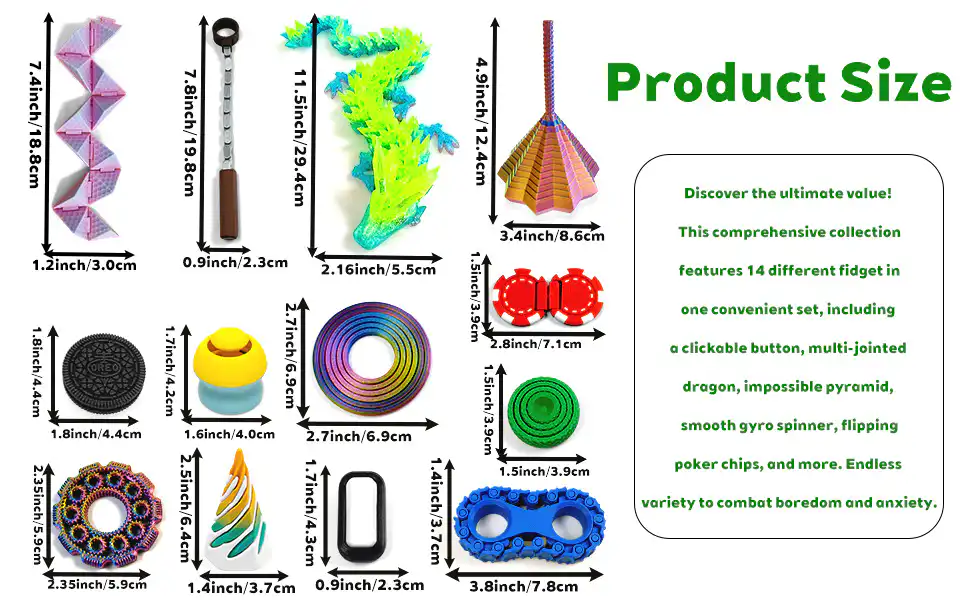
Printing Tips for Perfect Fidget Toys
| Tip | Why It Matters |
|---|---|
| Use a 0.4mm or 0.6mm nozzle | Provides good detail without clogging, especially for gears. |
| Calibrate first layer | Prevents warping and ensures parts snap together correctly. |
| Avoid supports if possible | Many toys are designed support‑free; remove supports carefully to preserve moving parts. |
| Print moving parts with “tolerance test” | Adjust horizontal expansion or gap settings to achieve smooth movement without binding. |
| Use a brim or raft for tall gears | Prevents parts from detaching during printing. |
| Cooling fan | 100% for PLA (sharp details); 20–50% for PETG (better layer adhesion). |
| Post‑processing | Light sanding or a quick flame pass can remove stringing between gears. |
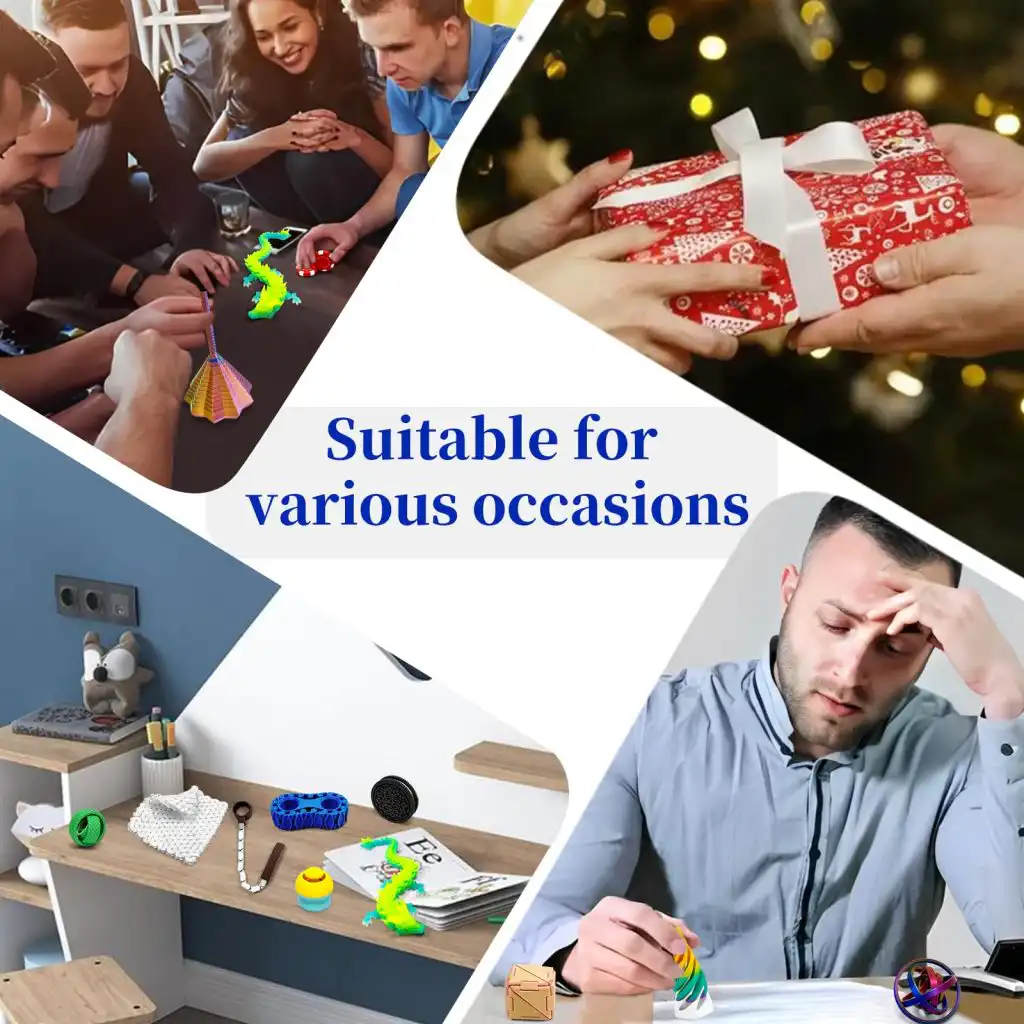
Troubleshooting Common Fidget Toy Issues
| Problem | Likely Cause | الحل |
|---|---|---|
| Gears won’t turn | Too much friction | Increase horizontal expansion offset (+0.05–0.1mm); reduce layer height. |
| Parts break easily | ضعف التصاق الطبقات | Increase nozzle temperature; reduce cooling; use PETG. |
| Stringing between moving parts | Retraction too low | Increase retraction distance/speed; lower nozzle temperature. |
| Warped edges | Draft or insufficient bed adhesion | Use enclosure or draft shield; increase bed temp; add brim. |
| Clicker doesn’t click | Design requires specific material | Use PETG (more springy) or adjust model’s tolerance. |
Safety Considerations
- PLA and PETG are generally safe for fidget toys intended for teens and adults. For young children, avoid small parts that could break off and become choking hazards.
- TPU is non‑toxic but should be printed with proper ventilation (like any filament). Do not use for teething toys.
- Do not use filaments with additives (e.g., glow‑in‑dark, metal‑filled) for toys that will go in mouths.
- Always supervise young children with any printed toy.
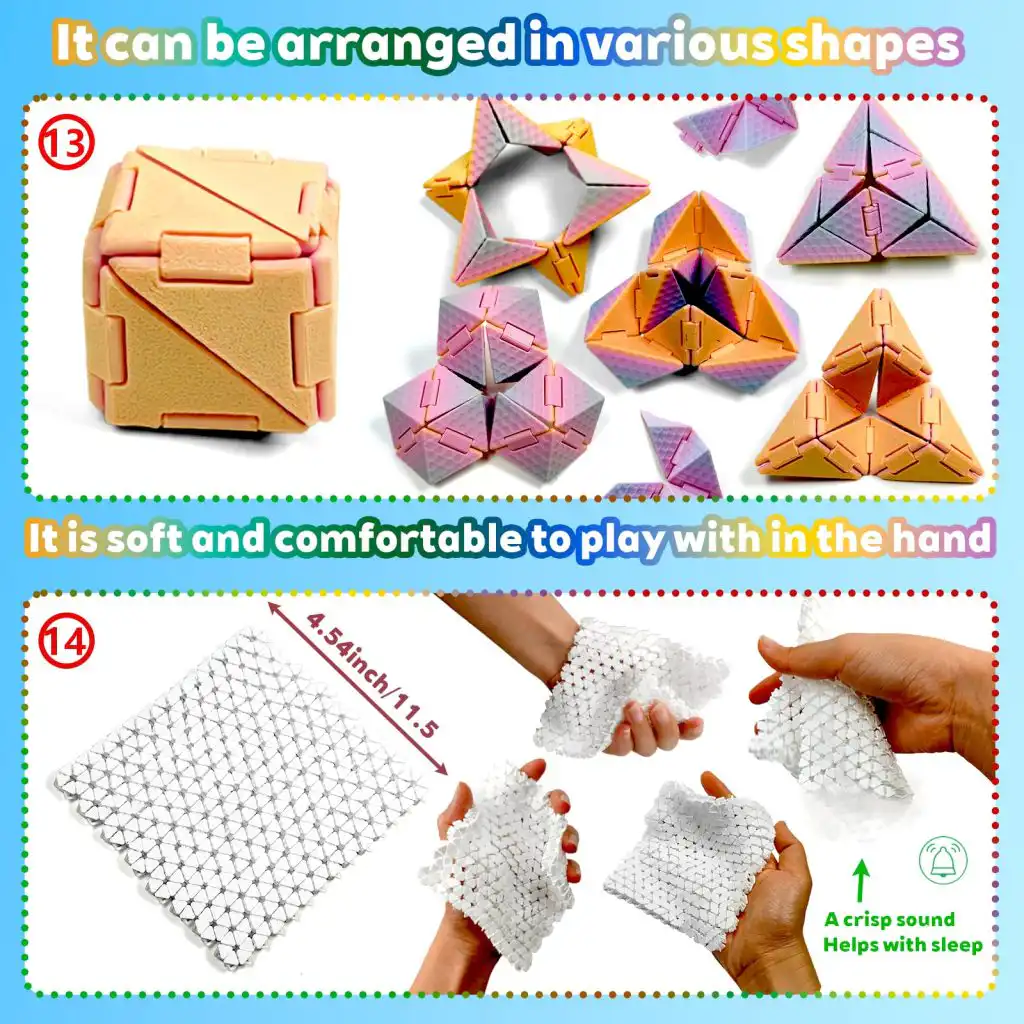
Where to Find Free STL Files for 3D Printed Fidget Toys
| Platform | Search Tips |
|---|---|
| Printables | Search “fidget”, “gear bearing”, “infinity cube” – many curated collections. |
| Thingiverse | Huge library, but use filters for “popular” or “remixes”. |
| Cults3D | High‑quality designs; some free, some paid. |
| MakerWorld | Bambu Lab’s platform, many fidget toys optimized for fast printing. |
| YouMagine | Smaller but well‑moderated collection. |
FAQ: 3D Printed Fidget Toys
Q1: Do I need a special 3D printer to make fidget toys?
A: No. Any FDM printer (like FlashForge Adventurer 5M, Ender 3, Prusa Mini) can print these designs. Resin printers work too but require careful support removal.
Q2: How long does it take to print a fidget toy?
A: Small clickers take 30 minutes; an infinity cube may take 3–5 hours. You can print multiple on one build plate.
Q3: Can I sell 3D printed fidget toys?
A: Yes, but respect the license of the original designer. Many are under Creative Commons – Non‑Commercial. For commercial sales, look for “commercial use allowed” or design your own.
Q4: What is the most durable filament for fidget toys?
A: PETG. It resists impact and doesn’t shatter like PLA. For flexible toys, use TPU.
Q5: Why do my gears stick together after printing?
A: This is normal. Run a small flat file or sandpaper between teeth, or adjust your slicer’s “X/Y compensation” to add 0.1mm clearance.
Q6: Are 3D printed fidget toys safe for children?
A: For children over 8 years old, under supervision. Avoid small parts. Use food‑safe PLA if the toy might go into the mouth. Sand sharp edges.
Q7: Can I make fidget toys without a dual extruder?
A: Yes. Most designs are single‑color. Use manual filament change for multi‑color effects.
Q8: What’s the easiest fidget toy for a beginner?
A: The gear bearing fidget spinner (no supports, prints in one piece) or the zipper fidget.
Q9: How do I clean up stringing between moving parts?
A: Use a heat gun or a lighter quickly passed over the part (careful not to melt details). Or use needle nose pliers to pull strings.
Q10: Where can I learn more about advanced engineering materials for functional prints?
A: Visit Nylon Plastic’s material selection hub for high‑performance filaments like PA6-CF and PET‑CF, ideal for durable, load‑bearing parts.
Conclusion: Print Your Way to Relaxation
3D printed fidget toys are a fantastic gateway into functional printing. They are quick, satisfying, and endlessly customizable. Whether you need a quiet desk companion, a party gift for kids, or a way to use up leftover filament, there’s a design for you. Start with a simple gear bearing, then challenge yourself with an infinity cube or articulated slug.
Ready to explore more materials? For fidget toys that need extra toughness, consider PETG or TPU. For high‑strength engineering applications beyond toys, contact Nylon Plastic for custom material compounding and injection molding services.
الأسئلة الشائعة
When is 3D Printed Fidget Toys: The Ultimate Guide to Printable Stress Relievers a good option?
3D Printed Fidget Toys: The Ultimate Guide to Printable Stress Relievers is a good option when fast iteration, complex geometry, low tooling cost, or low-volume production is more important than molded-part unit cost.
What should be checked before choosing 3D Printed Fidget Toys: The Ultimate Guide to Printable Stress Relievers?
تحقق من حجم الجزء، وخصائص المواد، وتشطيب السطح، وتفاوت الأبعاد، والتعرض للحرارة، واتجاه التحميل، وما إذا كانت المعالجة اللاحقة مطلوبة.
How does 3D Printed Fidget Toys: The Ultimate Guide to Printable Stress Relievers compare with CNC machining?
يمكن للطباعة ثلاثية الأبعاد إنشاء أشكال معقدة بسرعة، في حين أن التصنيع باستخدام الحاسب الآلي غالبًا ما يكون أقوى للأسطح الدقيقة والتفاوتات الأكثر دقة والمواد ذات درجة الإنتاج.
What affects the cost of 3D Printed Fidget Toys: The Ultimate Guide to Printable Stress Relievers?
تعتمد التكلفة على المواد، وحجم البناء، ووقت الطباعة، وارتفاع الطبقة، وإزالة الدعم، والتشطيب، والفحص، وعدد الأجزاء في البناء.
 English
 Dutch
Dutch German
 French
 Korean
 Russian
 Japanese
 Spanish
 Vietnamese
 Chinese
 Portuguese
 Arabic