Polycarbonate (PC) 3D Printing Guide — Settings, Tips & Troubleshooting

Polycarbonate (PC) offers exceptional strength, heat resistance, and optical clarity—making it ideal for demanding applications. However, it’s also one of the most challenging materials to print. This guide covers everything you need to succeed with PC.
Polycarbonate (PC) 3D Printing Guide — Settings, Tips & Troubleshooting

Why Print with Polycarbonate?

PC stands out for its exceptional properties:

  • Heat resistance: Glass transition at 147°C
  • Impact strength: Nearly unbreakable at room temperature
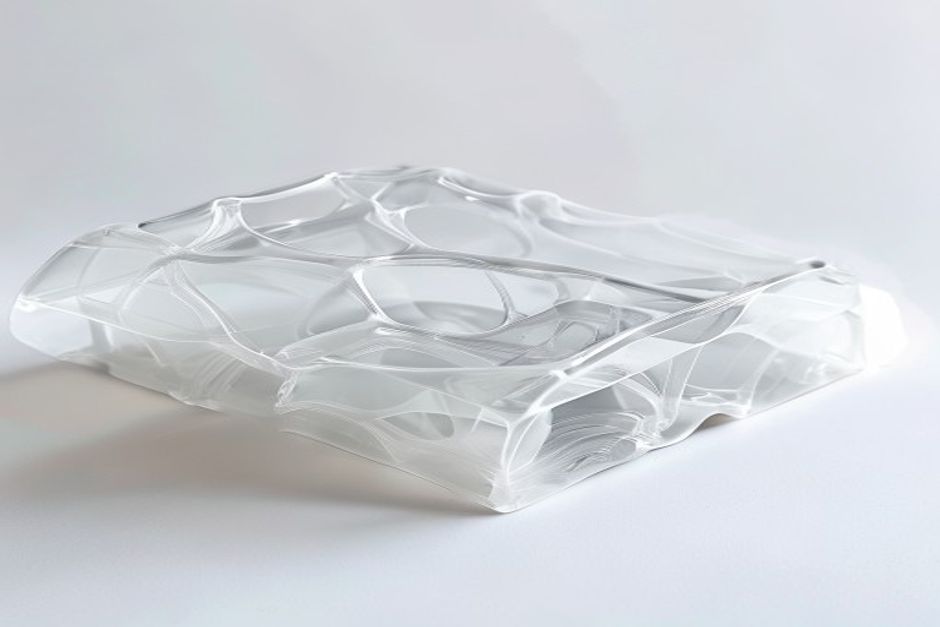
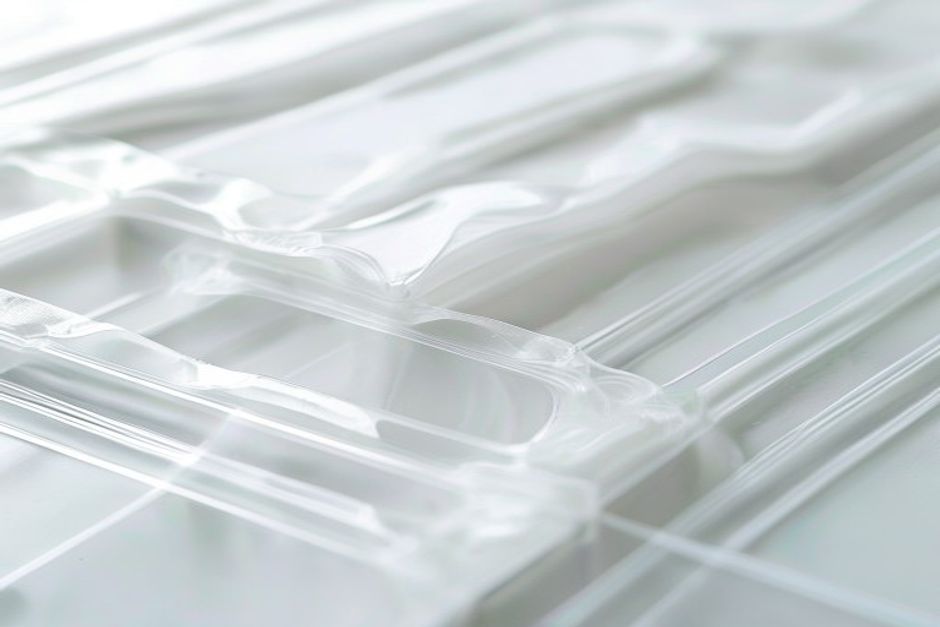
  • Optical clarity: Transparent prints possible
  • Dimensional stability: Low thermal expansion

PC-ABS blends offer easier printing while maintaining many benefits.
Polycarbonate (PC) 3D Printing Guide — Settings, Tips & Troubleshooting - setup

Essential Equipment

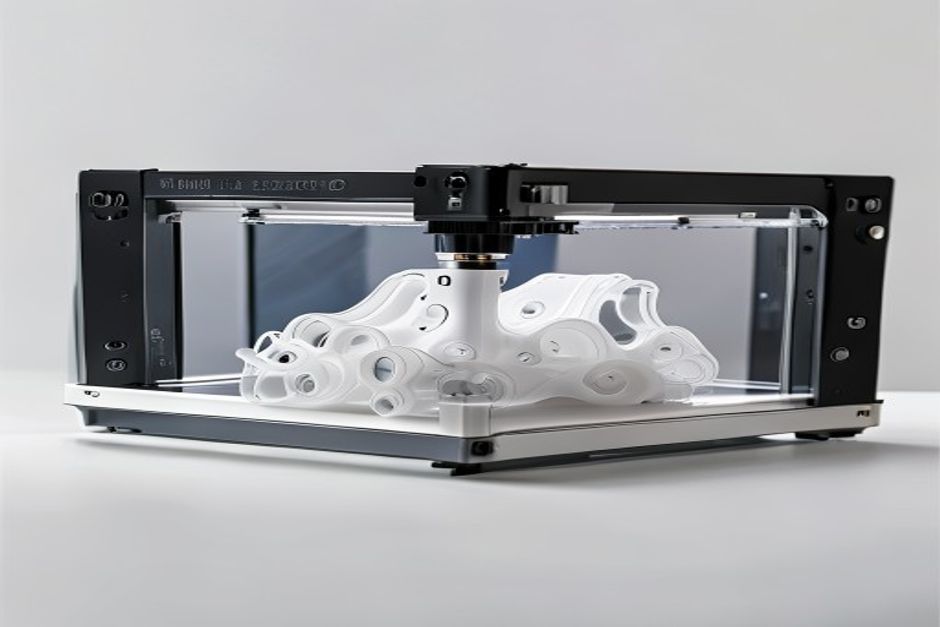
Hotend Requirements

PC requires high temperatures:

Component Minimum Spec Recommended
Max temp 290°C 300°C+
Nozzle Brass works Hardened steel
Heat break All-metal Required

Warning: PTFE-lined hotends cannot handle PC temperatures safely.

الضميمة

Non-negotiable for successful PC printing:

  • Minimum: 50°C ambient temperature
  • Optimal: 70-80°C chamber
  • Purpose: Prevent warping, improve layer adhesion

Like ABS, PC requires thermal stability.

بناء السطح

Proven options:

1. PEI at 110-120°C — Most reliable
2. Garolite — Excellent for larger parts
3. PC sheet — Bond extremely well
Polycarbonate (PC) 3D Printing Guide — Settings, Tips & Troubleshooting - quality

Optimal Print Settings

Temperature

المعلمة Range الملاحظات
Nozzle 270-310°C Start at 290°C
Bed 110-130°C PEI needs 115°C+
Chamber 50-80°C Higher is better

Speed and Layer Height

  • Speed: 20-40mm/s recommended
  • Layer height: 0.2mm minimum
  • First layer: 50% speed

Cooling

  • Minimum fan: 0-20%
  • Never: Use maximum cooling
  • Exception: Very small features

Troubleshooting Common Issues

الالتواء

Causes:

  • Insufficient bed temperature
  • Enclosure too cold
  • Drafts from cooling

Solutions:

  • Increase bed to 120°C
  • Improve enclosure sealing
  • Add draft shield in slicer

ضعف التصاق الطبقات

Causes:

  • Nozzle too cold
  • Cooling fan too high
  • Layer time too long

Solutions:

  • Increase nozzle 5-10°C
  • Reduce or eliminate cooling
  • Print multiple parts simultaneously

Bubbles/Pitting

Causes:

  • Moisture in filament
  • Temperature too high
  • Filament degradation

Solutions:

  • Dry filament at 80°C for 4 hours
  • Reduce nozzle temperature
  • Check for nozzle degradation

Special Techniques

Annealing PC Prints

Post-print heat treatment improves properties:

1. Place print in oven at 120°C
2. Hold for 30-60 minutes
3. Cool slowly in oven
4. Expect slight dimensional change

Bonding PC Parts

  • Solvent welding: Methylene chloride (effective but toxic)
  • Epoxy: Works well for most applications
  • Friction welding: Creates strong bonds
Frequently Asked Questions

Can I print PC without an enclosure?
Small parts might succeed, but larger prints will almost certainly fail.

Why is my PC turning yellow?
Indicates overheating. Reduce nozzle temperature.

Is PC stronger than ABS?
Yes, significantly. PC has roughly 2x the impact strength of ABS.

Frequently Asked Questions

Why is my print quality inconsistent?
Multiple factors affect quality: temperature stability, filament quality, and machine calibration. Test systematically.

How can I improve my print success rate?
Start with proper calibration, quality filament, and appropriate settings for each material.

What maintenance does my printer need?
Regular nozzle cleaning, belt tensioning, and lubrication of moving parts.

Frequently Asked Questions

Q: What is the optimal printing temperature for Polycarbonate (PC)?

Polycarbonate prints best at 270-310 deg C. Start at 280 deg C for standard PC and adjust based on extrusion quality. Higher temperatures (290-310 deg C) improve layer adhesion and transparency but increase the risk of nozzle clogging. Use a hardened steel or ruby nozzle at these temperatures.

Q: Why does Polycarbonate require a heated chamber?

PC has a high thermal expansion coefficient, causing it to contract significantly as it cools. In a cold ambient environment, this contraction causes severe warping and delamination. A heated chamber maintained at 50-70 deg C keeps the entire print warm throughout the printing process, dramatically reducing internal stresses and warping.

Q: What bed surface works best for Polycarbonate printing?

PC bonds exceptionally well to clean glass with a light application of hairspray or PEI sheets. The ideal bed temperature is 100-120 deg C. After printing, allow the bed to cool to 50-60 deg C before removal to prevent thermal shock cracking. Garolite (FR4) boards also work very well.

Q: How does PC compare to Nylon for functional parts?

PC offers superior tensile strength (70-80 MPa vs 60-70 MPa for Nylon) and better heat resistance (HDT ~135 deg C vs ~70 deg C for PA6). However, PC is more prone to warping, requires higher printing temperatures, and is more hygroscopic than Nylon. For high-temperature applications, PC is the better choice.

Q: Can Polycarbonate be printed without warping?

PC warping can be minimised but not completely eliminated without proper equipment. Use a heated chamber (50-70 deg C), print with a brim (10-20mm), use PEI or garolite build surfaces, maintain bed temperature of 100-120 deg C, and keep cooling fans off. For completely warp-free PC prints, a heated enclosure is essential.

Q: What causes Polycarbonate to turn yellow during printing?

PC yellows when printed at excessive temperatures (above 320 deg C) or when subjected to prolonged heat exposure. To minimise yellowing: use the lowest effective extrusion temperature, print in a covered enclosure, and avoid post-processing with temperatures above 200 deg C.

Q: Is Polycarbonate food-safe for 3D printed parts?

Standard PC is not food-safe due to BPA content and potential bacterial growth in layer lines. For food-contact applications, use food-grade PC or alternative materials like PETG (with food-safe coating) or PP (polypropylene).

Q: What nozzle material is needed for Polycarbonate printing?

Brass nozzles wear rapidly when printing PC at high temperatures. Use hardened steel, stainless steel, or ruby-tipped nozzles for consistent PC printing. Ruby nozzles offer the best heat resistance and durability. Replace brass nozzles after 50-100 hours of PC printing.

Q: Does Polycarbonate need to be dried before printing?

Yes, absolutely. PC absorbs moisture from the air similar to Nylon. Dry PC filament at 80-100 deg C for at least 4-6 hours before printing. Wet PC produces steam that causes surface defects, bubbling, and poor layer adhesion.

Q: What makes Polycarbonate more difficult to print than PLA or PETG?

PC requires three things PLA and PETG do not: (1) Very high extrusion temperatures (270-310 deg C); (2) A heated chamber to prevent warping; (3) Thorough drying before printing. Without all three, PC prints will fail.

انتقل إلى الأعلى