
TPU (Thermoplastic Polyurethane) offers an incredible range of flexibility, from rubber-band elastic to nearly rigid. Understanding Shore hardness ratings helps you select the perfect material for your application. This guide covers everything from Shore 85A to 98A.
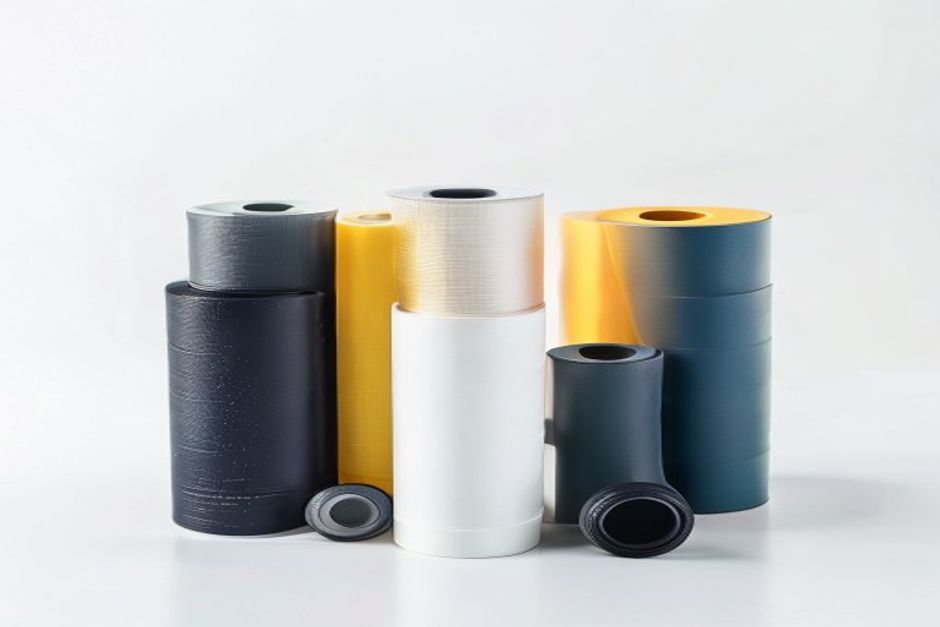
Understanding Shore A Hardness
The Shore A scale measures the hardness of flexible materials. Lower numbers indicate softer, more flexible materials:
- 85A: Very soft, extremely flexible
- 90A: Soft, moderate flexibility
- 95A: Medium-soft, some rigidity
- 98A: Semi-rigid, limited flexibility
Compared to TPE, TPU offers better layer adhesion and easier printing.
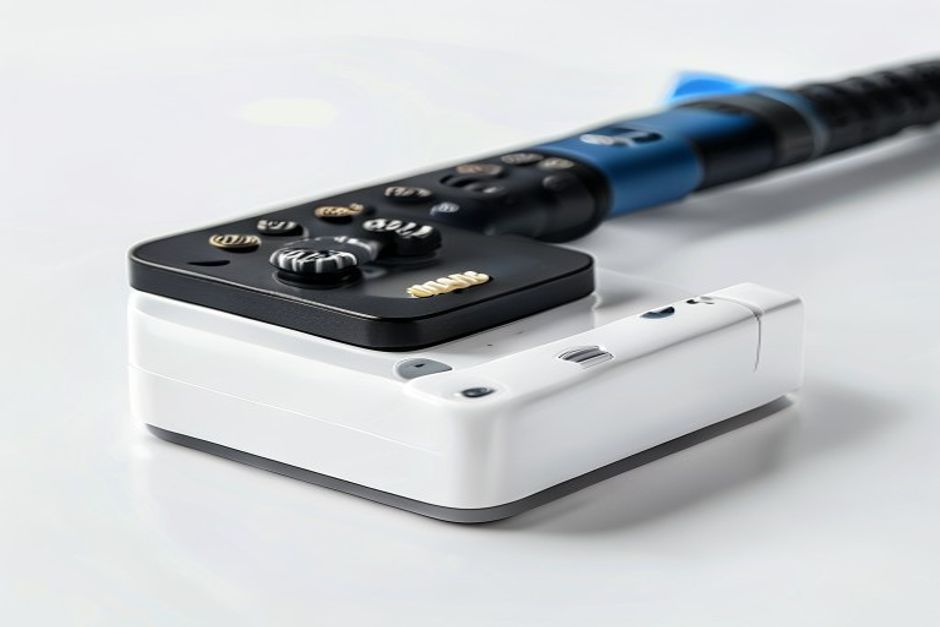
Shore 85A: Maximum Flexibility
Características
- Extremely soft and rubbery
- Excellent elongation (>500%)
- High elasticity and recovery
- Most challenging to print
Best Applications
- Gaskets and seals
- Phone cases with maximum grip
- Vibration dampeners
- Wearable devices
Printing Considerations
- Requires direct drive extruder
- Very slow speeds (10-20mm/s)
- Minimal retraction
- 220-240°C nozzle temperature
Like nylon, TPU benefits from dry storage.
Shore 90A: Balanced Flexibility
Características
- Soft but manageable
- Good elongation (400-500%)
- Excellent recovery
- Moderate print difficulty
Best Applications
- Flexable hinges
- Footwear soles
- Protective bumpers
- Flexible couplings
Printing Considerations
- Direct drive recommended
- Moderate speeds (15-25mm/s)
- Standard retraction settings
- 220-235°C nozzle temperature
Shore 95A: Semi-Flexible
Características
- Noticeable stiffness
- Moderate elongation (300-400%)
- Good dimensional stability
- Easier to print
Best Applications
- Functional prototypes
- Twistable components
- Semi-rigid seals
- Impact-resistant parts
Printing Considerations
- Can work on Bowden setups
- Normal speeds (20-30mm/s)
- Standard settings mostly work
- 225-240°C nozzle temperature
Shore 98A: Nearly Rigid
Características
- Minimal flexibility
- Low elongation (200-300%)
- High dimensional accuracy
- Easy to print
Best Applications
- Semi-rigid enclosures
- Functional brackets
- Snap-fit components
- Impact protection
Printing Considerations
- Works on most printers
- Normal printing speeds
- Standard settings acceptable
- 230-245°C nozzle temperature
Application Selection Guide
| Application | Recommended | Reason |
|---|---|---|
| Gaskets | 85-90A | Maximum sealing |
| Phone cases | 90-95A | Balance of grip and protection |
| Hinges | 90-95A | Flexibility without fatigue |
| Bumpers | 95-98A | Impact absorption |
| Snap fits | 95-98A | Predictable flex |
| Tires | 85-90A | Maximum grip |

 English
  Dutch
Dutch  German
  French
  Korean
  Russian
  Japanese
  Spanish
  Vietnamese
  Chinese
  Portuguese
  Arabic