
I’ve lost count of how many times someone’s walked into our shop holding a napkin sketch and asked: “Should I 3D print this or machine it?” It’s a fair question — but the answer is never as simple as “this one’s better.” The truth is, both technologies are incredible when you point them at the right problem. Point them at the wrong one, and you’re just burning time and money.
I’ve run both processes side by side for years. CNC machining is what we do day in and day out — chips flying, coolant mist hanging in the air, tolerances you can measure in microns. But we’ve also got a fleet of industrial 3D printers humming in the next bay because sometimes additive is genuinely the smarter move. The trick is knowing when.
This guide isn’t theory. It’s shop-floor truth — what actually works, what doesn’t, and how to decide without needing an engineering degree.
Core Concepts & Fundamentals
Let’s get the basics straight before we dive into the weeds.
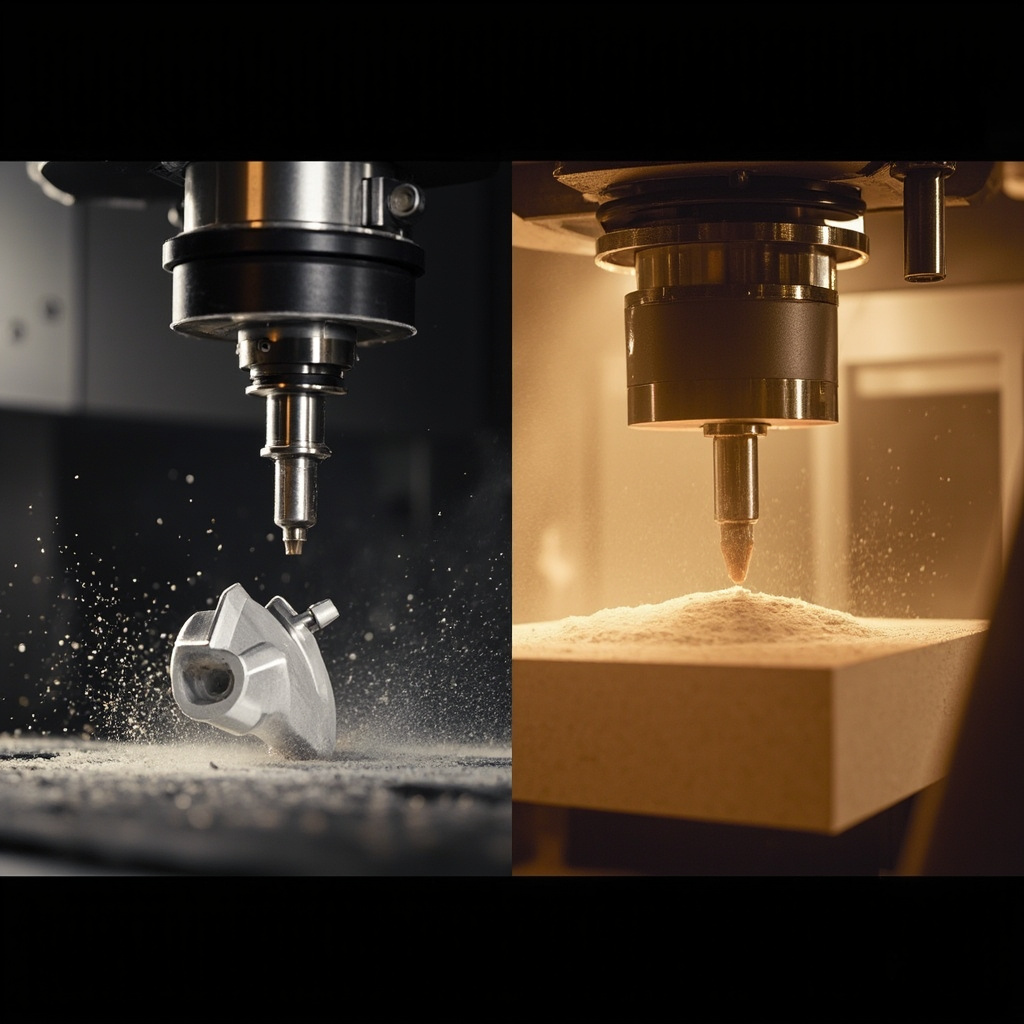
CNC 加工 is subtractive. You start with a solid block of material — aluminum, steel, plastic, whatever — and a cutting tool removes everything that isn’t your part. Think of it like sculpting: you’re chipping away until the shape emerges. The machine follows G-code generated from your CAD model, and the spindle spins at thousands of RPM while the tool carves out features with ridiculous precision.
3D 列印 is additive. You build the part layer by layer from nothing — plastic powder fused with a laser, resin cured by UV light, or filament melted through a nozzle. No block, no waste (well, minimal waste). The part literally grows on the build platform, 0.05 to 0.3 millimeters at a time.
Here’s the fundamental difference that actually matters on the shop floor: CNC gives you the final material properties from day one. 3D printing doesn’t. When you machine a block of 6061-T6 aluminum, your part inherits that alloy’s full strength, fatigue resistance, and thermal properties. When you print the same geometry in nylon PA12, you’re getting properties that depend heavily on print orientation, layer adhesion, and post-processing. It’s not worse — it’s just different. You have to account for it.
Another thing most comparison articles gloss over: geometry dictates everything. A part that’s a machinist’s dream — flat faces, through-holes, simple contours — is often a nightmare to print. And vice versa. Internal lattice structures are free with 3D printing. With CNC? You’ll need five setups, specialty tooling, and a lot of patience.
Key Processes & Technologies
Not all 3D printing is the same thing. Not all CNC machining is either. Here’s what’s actually on the floor and when you’d reach for each.
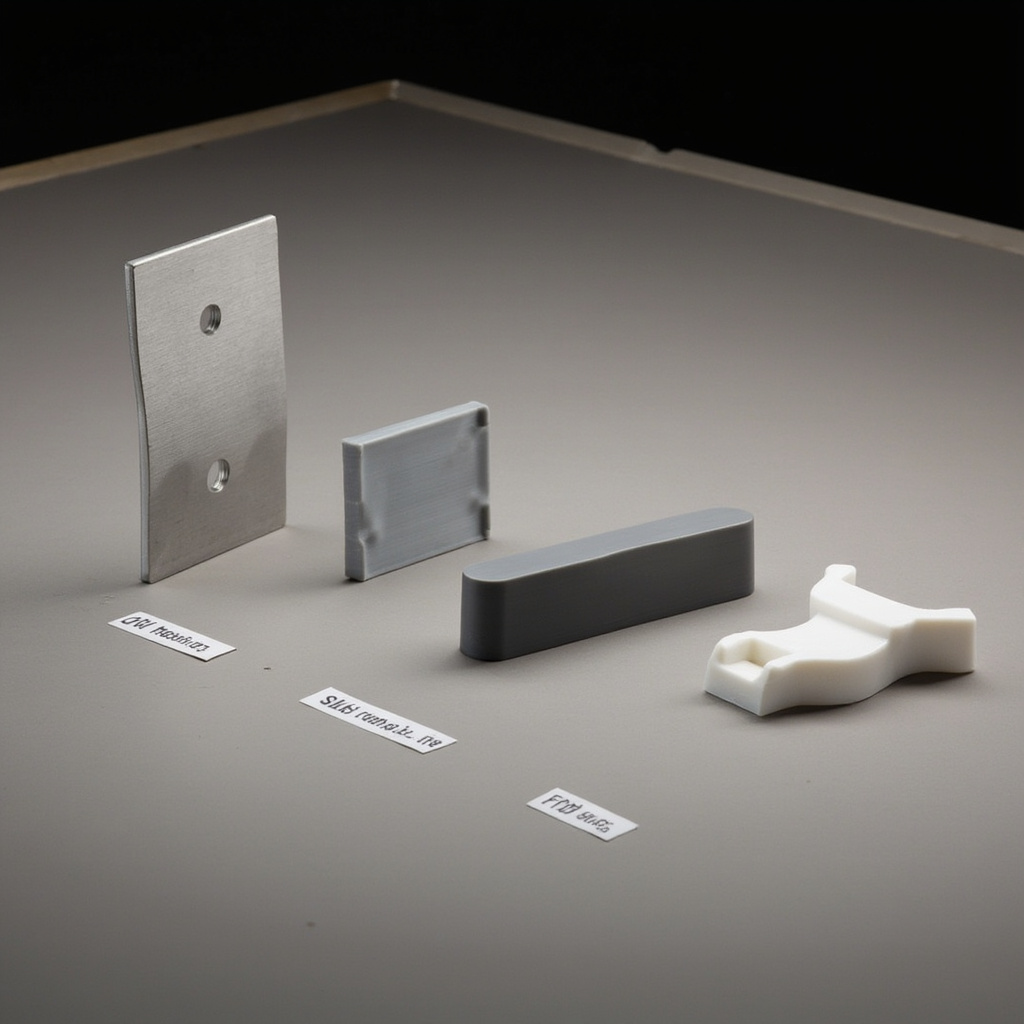
| 技術 | How It Works | Typical Accuracy | 最適合 | Watch Out For |
|---|---|---|---|---|
| CNC Milling (3-axis) | Rotating cutting tool removes material from a clamped block | ±0.005 mm — ±0.05 mm | Metal parts, tight tolerances, production runs, functional prototypes | Undercuts and deep pockets need specialty tooling; setup time adds cost |
| CNC Milling (5-axis) | Same as 3-axis but the workpiece can rotate and tilt | ±0.005 mm — ±0.05 mm | Complex geometry, reduced setups, impellers, aerospace components | Higher machine cost; not always faster than 3-axis for simple parts |
| CNC Turning | Workpiece spins while a stationary tool cuts the profile | ±0.005 mm — ±0.025 mm | Shafts, bushings, fasteners, anything round | Only works for rotationally symmetric parts |
| FDM (熔融沉積模型) | Thermoplastic filament melted and extruded layer by layer | ±0.1 mm — ±0.5 mm | Quick concept models, jigs and s, low-cost prototyping | Visible layer lines; anisotropic strength (weak between layers) |
| SLA (立體光刻技術) | UV laser cures liquid resin into solid layers | ±0.05 mm — ±0.15 mm | Smooth cosmetic prototypes, mold patterns, dental/medical models | Resin is brittle long-term; needs UV post-curing; limited functional use |
| SLS (選擇性雷射燒結) | Laser fuses nylon powder into solid parts | ±0.1 mm — ±0.2 mm | Functional prototypes, end-use plastic parts, complex assemblies | Grainy surface finish; limited material palette; powder handling is messy |
| MJF (Multi Jet Fusion) | Fusing and detailing agents + infrared heat on nylon powder | ±0.1 mm — ±0.2 mm | Production-grade nylon parts, consistent mechanical properties | Similar constraints to SLS; color is always gray or black |
| DMLS/SLM (Metal 3D Printing) | Laser melts metal powder into fully dense parts | ±0.05 mm — ±0.1 mm | Complex metal parts impossible to machine; conformal cooling channels | Very expensive per part; requires post-machining for critical surfaces; build size limited |
The thing nobody tells you about metal 3D printing: you almost always need to CNC-machine the critical surfaces afterward anyway. The as-printed surface finish on DMLS parts is rough — think sandpaper, not mirror. So in practice, many production metal parts use a hybrid approach: print near-net-shape, then machine to final tolerance. We do this regularly for customers who need internal cooling channels that can’t be drilled.
工業應用
Here’s where theory meets practice. I’ve organized this by industry so you can find your lane.
| 產業 | 應用 | 材質 | Key Requirement | nylonplastic.com Advantage |
|---|---|---|---|---|
| 汽車 | Intake manifold prototype | Nylon PA12 (SLS) + Aluminum 6061 (CNC) | Heat resistance + dimensional accuracy | SLS for fit-check iterations in 48h; CNC aluminum for dyno testing in 5 days |
| 航太 | Bracket with weight-optimized lattice | Titanium Ti-6Al-4V (DMLS) | Strength-to-weight ratio, flight certification | DMLS achieves 40% weight reduction impossible via machining; post-CNC for mounting surfaces |
| 醫療 | Surgical guide for knee replacement | Biocompatible resin (SLA) or Nylon PA12 (MJF) | Sterilizability, patient-specific geometry | MJF nylon withstands autoclave sterilization; CNC alternative in medical-grade PEEK available for implants |
| 電子產品 | Custom heatsink enclosure | Aluminum 6061 (CNC) | Thermal conductivity, EMI shielding | CNC delivers ±0.01mm flatness for component mating; black anodizing for corrosion resistance |
| 工業設備 | End-of-arm robot gripper | Nylon PA12 + carbon fiber fill (MJF) or Aluminum 7075 (CNC) | Lightweight, fatigue resistance over 1M+ cycles | Carbon-filled nylon via MJF cuts weight 60% vs aluminum; CNC option for high-cycle steel alternatives |
| 機器人自動化 | Sensor mounting bracket | Aluminum 6061-T6 (CNC) | ±0.02mm positional accuracy | 5-axis CNC in one setup eliminates stacking tolerance errors; clear anodize preserves dimensional stability |
| 消費性產品 | Product housing with snap-fits | ABS-like resin (SLA) for prototype; PC/ABS (injection molding) for production | Aesthetic surface + functional living hinges | SLA delivers injection-mold-like finish for investor demos; direct bridge to our injection molding line |
Material Selection — What Actually Works
Material availability is the single biggest differentiator between these two processes, and it’s where most comparison charts fall short. Let me give you the real picture.
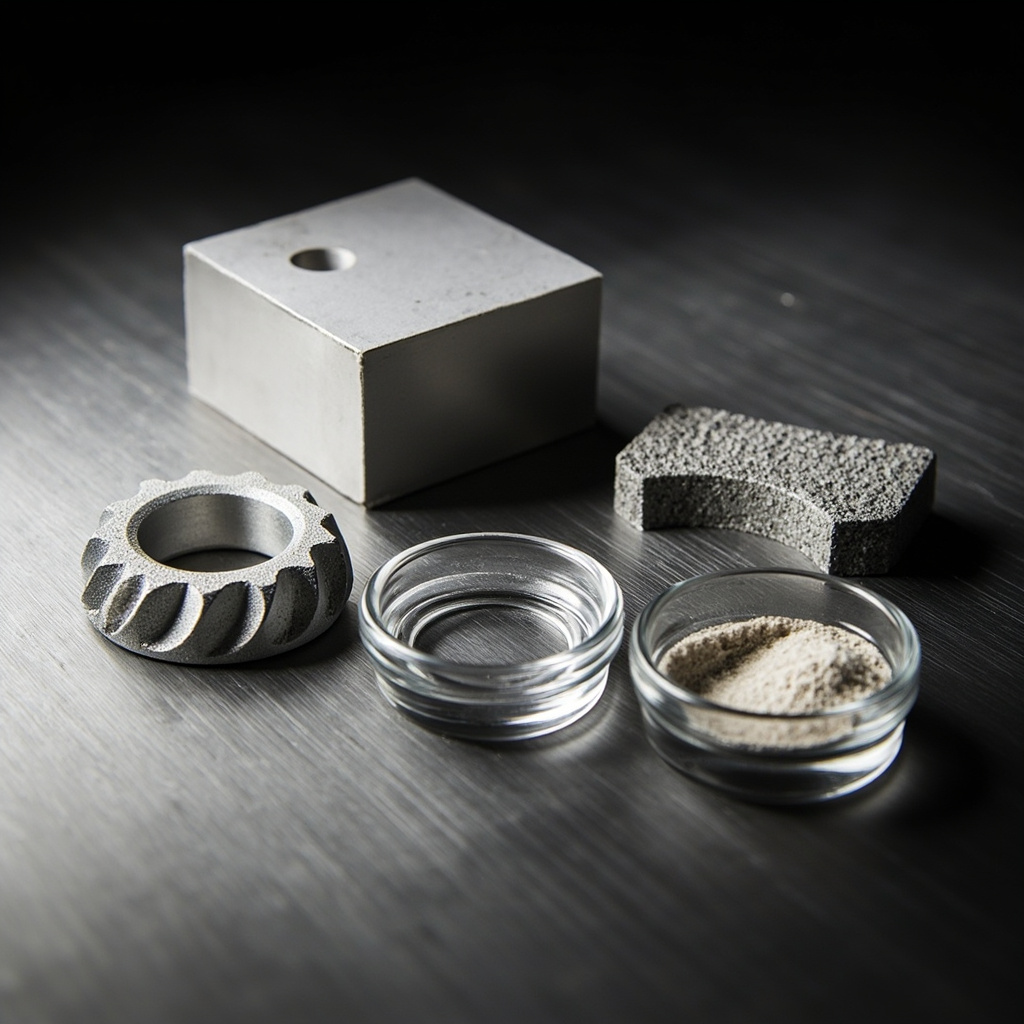
CNC 加工 works with virtually any rigid material you can buy in block form. Aluminum (6061, 7075, 5083, MIC-6), stainless steel (304, 316, 17-4PH), mild steel, tool steel, brass, copper, titanium, Inconel, PEEK, Ultem, Delrin, nylon, PTFE, acrylic, polycarbonate — if it comes in plate or bar stock, we can machine it. The material properties are known, certified, and traceable with mill test reports. No surprises.
3D 列印 is more limited. Here’s the reality:
- FDM: PLA, ABS, PETG, TPU, nylon, PC, and some filled variants. Good for form-and-fit, not structural.
- SLA: Photopolymer resins — standard, tough, flexible, high-temp, castable, dental, medical-grade. Great surface finish, limited durability.
- SLS/MJF: Nylon PA11, PA12, TPU, PP, and glass/carbon-filled nylon variants. These are the workhorses of functional 3D printing.
- DMLS/SLM: Aluminum (AlSi10Mg), titanium (Ti-6Al-4V), stainless (316L, 17-4PH), Inconel (718, 625), cobalt-chrome. Real metals, real properties — but not the same alloys you’d spec for machining.
Critical point: AlSi10Mg is not 6061-T6. If your print says “aluminum,” check which aluminum. The printed alloy has about 70-80% the fatigue strength of wrought 6061. For most brackets and housings, that’s fine. For a structural aerospace component, you need to verify.
Cost & Performance Trade-offs
Money talks. Here’s how these processes stack up where it hurts — the invoice.
For 1-10 parts: 3D printing usually wins on cost and speed, especially for plastic parts. No fixturing, no CAM ming, no tool changes. Upload the file Friday afternoon, pick up parts Monday morning. But if the design is simple — a flat plate with some holes, a basic bracket — CNC can be surprisingly competitive even at low volumes because there’s essentially zero CAM time.
For 10-100 parts: This is the gray zone. SLS/MJF printing stays flat on per-part cost regardless of volume (no tooling, no setup). CNC per-part cost drops as volume increases because setup is amortized across more units. At around 30-50 units for plastic parts, CNC often crosses over and becomes cheaper.
For 100-1,000+ parts: CNC machining pulls ahead dramatically for metal parts. For plastic parts, at this volume you should be looking at injection molding — the per-part cost drops to pennies once the mold is paid for. 3D printing can’t compete on unit economics at scale, though it’s fantastic for bridge production while your mold is being cut.
Speed comparison (real numbers from our floor):
- A palm-sized aluminum bracket: CNC = 25 min setup + 8 min machining per part. SLS nylon = 0 min setup (nested in a full build), 24-hour build cycle but effectively ~$3 in material per part.
- A complex manifold with internal channels: CNC = physically impossible without splitting into multiple pieces and brazing. DMLS = 72-hour build, $400-800 material cost, then CNC finish-machining.
Surface finish reality check: As-machined aluminum looks beautiful — clean tool paths, consistent finish, ready for anodizing. As-printed parts look… printed. SLS nylon feels like fine-grit sandpaper. SLA can look injection-molded if you dial in the orientation. FDM layer lines are visible from across the room. If cosmetics matter, CNC wins every time unless you budget for post-processing.
Quality Standards & Best Practices
Quality isn’t about the process — it’s about the controls. But the controls are different.
For CNC machining: We use calibrated micrometers, CMMs, and in-process probing. First-article is standard. ISO 2768-m (medium) is our baseline tolerance; ISO 2768-f (fine) or tighter is achievable with the right setup. Material certs are straightforward — the mill test report from the metal supplier covers it. Surface finish is measurable with a profilometer, and Ra 0.8 μm is routine off the machine.
For 3D printing: Quality is harder to verify. Dimensional accuracy depends on part orientation, layer height, and how well the machine was calibrated that morning. We typically hold ±0.15mm on SLS/MJF, which sounds loose compared to CNC but is excellent for additive. Density verification (for metal prints) requires CT scanning or destructive cross-sectioning — expensive but necessary for flight-critical parts.
Best practices we’ve learned the hard way:
- Always specify tolerances on your drawing. Don’t assume ±0.1mm is “standard” — it’s not. If you need ±0.01mm, say so. It changes the entire approach.
- Design for the process you’re using. A part optimized for machining looks different from one optimized for printing. Don’t just export the same STEP file and expect great results from both.
- Validate material properties on printed test coupons first. Especially for DMLS. Print a test bar, pull it on the tensile tester, and verify before committing to production.
- Account for post-processing in your timeline. A “printed” part isn’t done until it’s depowdered, support-removed, bead-blasted, dyed, or machined. Budget an extra day minimum.
- When in doubt, print one and machine one. Side-by-side comparison in your actual application beats any spec sheet.
Getting Started — Practical Steps
If you’re reading this and need to make a decision today, here’s the pragmatic checklist I use with customers:
Step 1: Ask yourself what matters most. Is it strength? Pick CNC. Surface finish? CNC or SLA. Complex internal geometry? 3D printing. Speed to first prototype? 3D printing. Production cost at scale? CNC or injection molding. Metal with flight certs? CNC with certified material. Lightweight lattice structures? 3D printing. Rank your requirements — the answer often becomes obvious.
Step 2: Count your features. Does the part have undercuts, internal channels, or organic curves? If yes, lean toward 3D printing. Is it mostly prismatic — flat faces, round holes, simple pockets? That’s a machining job.
Step 3: Look at your quantity. 1-10 parts: 3D printing for plastic, CNC for metal. 10-100: cross-over zone, get quotes for both. 100+: CNC for metal, injection molding for plastic.
Step 4: Send us the file. Seriously. Our engineers review every geometry before recommending a process. Sometimes the answer is “print the complex section and machine the precision surfaces” — a hybrid approach that gives you the best of both worlds. You don’t need to figure this out alone.
總結
Here’s the thing: you don’t have to pick sides. The best manufacturers don’t — they pick the right tool for each job. Sometimes that’s a 5-axis CNC mill making chips at 12,000 RPM. Sometimes it’s an SLS printer fusing nylon powder in the dark. Sometimes it’s both, on the same part.
The decision comes down to three things: geometry, quantity, and material requirements. If you know those three things about your part, you’re 90% of the way to the right answer. For the other 10%, that’s what our application engineers are here for.
Next time you’re holding that napkin sketch wondering which way to go — send it over. We’ll tell you straight up what makes sense, no sales pitch, just shop-floor truth.
相關資源
- CNC Machining Services — Precision Parts from Prototype to Production
- Industrial 3D Printing Services — SLS, SLA, MJF, and DMLS
- Material Selection Hub — Compare Metals, Plastics, and Composites
- Surface Finishing Guide — Anodizing, Plating, Painting, and More
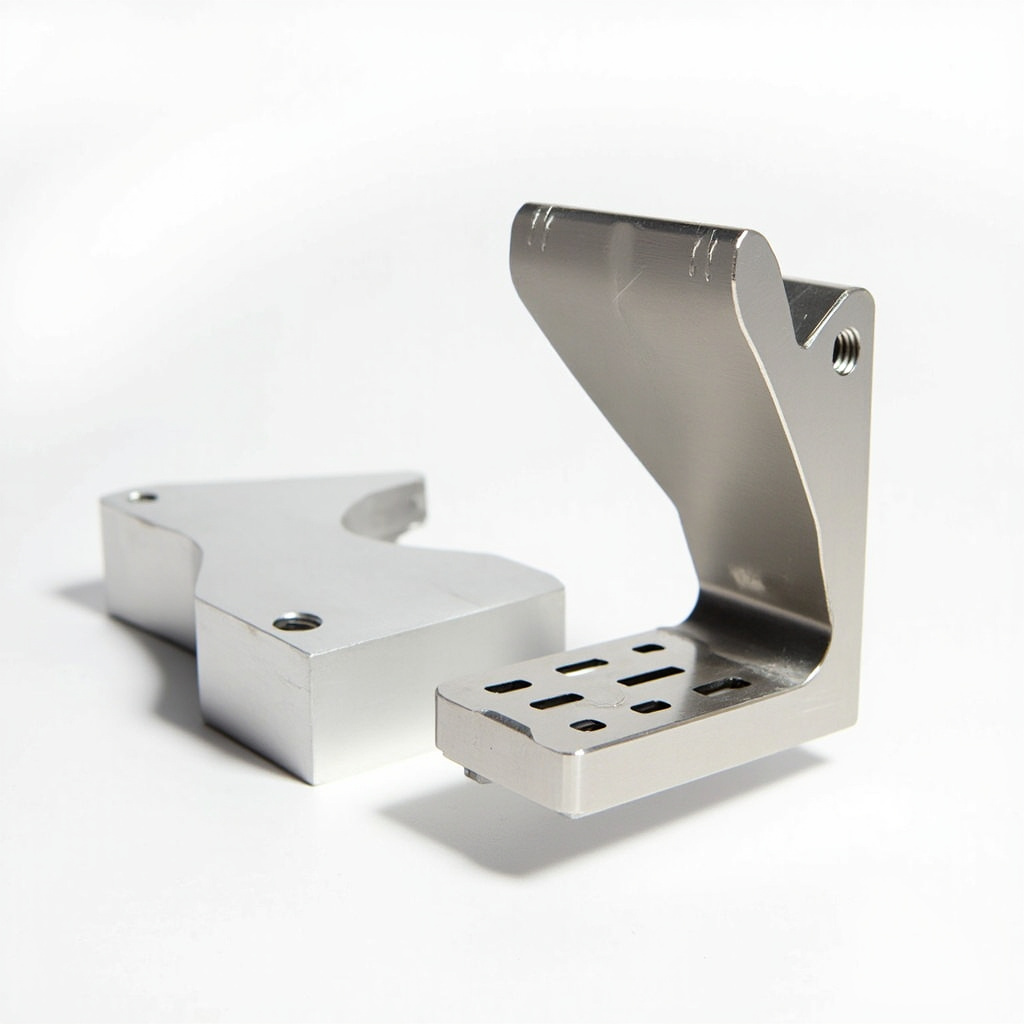
Ready to figure out whether your part needs 3D printing, CNC machining, or a hybrid of both? Our engineering team reviews every design before quoting — no obligation, no sales pressure, just practical manufacturing advice from people who actually run the machines. Upload your CAD file at our one-stop solution page or reach out directly. Most quotes go out within 24 hours, and we’ll tell you honestly which process makes sense for your specific geometry, quantity, and budget.
常見問題
When is 3D Printing vs CNC Machining: When to Use Each — Practical Decision Guide a good option?
3D Printing vs CNC Machining: When to Use Each — Practical Decision Guide is a good option when fast iteration, complex geometry, low tooling cost, or low-volume production is more important than molded-part unit cost.
What should be checked before choosing 3D Printing vs CNC Machining: When to Use Each — Practical Decision Guide?
檢查零件尺寸、材料特性、表面光潔度、尺寸公差、受熱情況、負載方向,以及是否需要後加工。.
How does 3D Printing vs CNC Machining: When to Use Each — Practical Decision Guide compare with CNC machining?
3D 列印可以快速製造複雜的形狀,而 CNC 加工通常在精密表面、更小的公差和生產級材料方面更強。.
What affects the cost of 3D Printing vs CNC Machining: When to Use Each — Practical Decision Guide?
成本取決於材料、建置量、列印時間、層高、支撐移除、精加工、檢查以及建置中的零件數量。.

 English
 Dutch
Dutch German
 French
 Korean
 Russian
 Japanese
 Spanish
 Vietnamese
 Chinese
 Portuguese
 Arabic