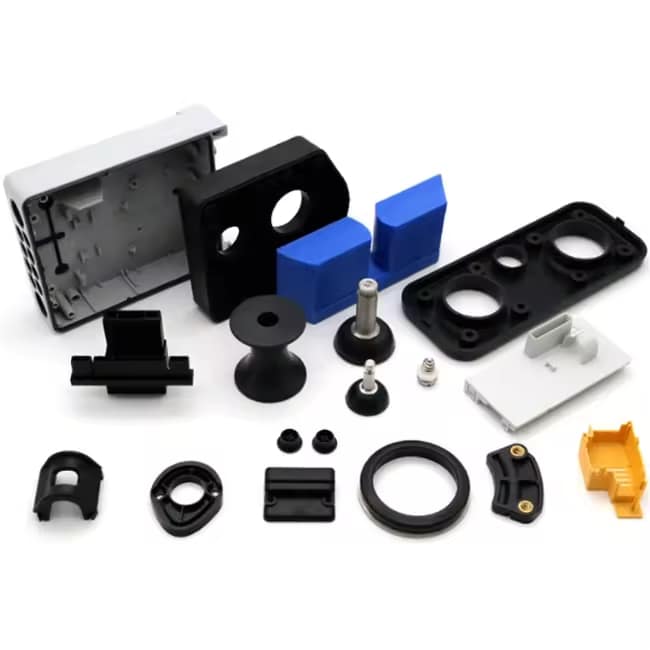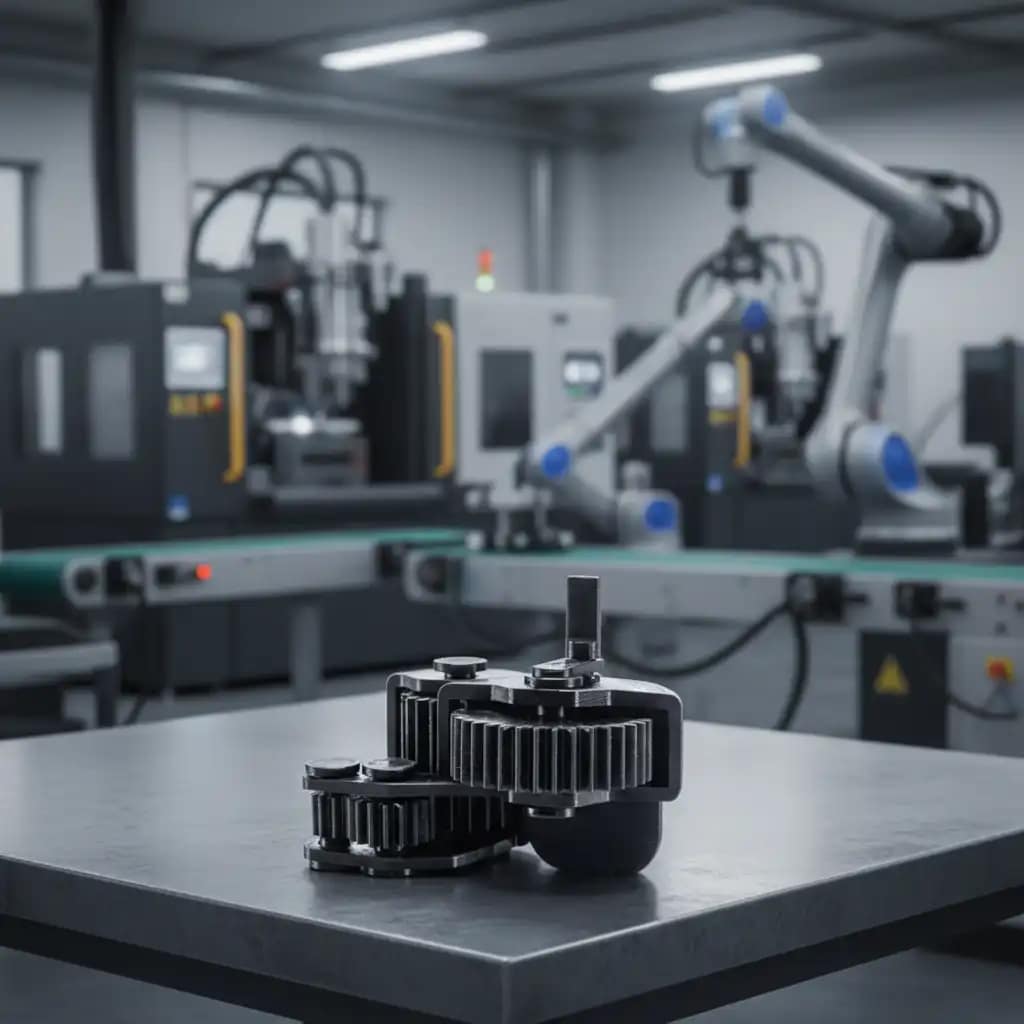
FlashForge Adventurer 5M Pro can it use PA6-CF is a common question among enthusiasts looking to push their printer’s capabilities into the realm of high-performance engineering materials. PA6-CF (carbon fiber reinforced nylon 6) is a demanding filament known for its exceptional stiffness, heat resistance, and strength. The short answer is yes, the FlashForge Adventurer 5M Pro can print PA6-CF successfully—but only with the right upgrades, settings, and understanding of the material’s requirements. This guide covers everything you need to know, from hardware prerequisites to print settings, drying protocols, and post-processing tips. At 나일론 플라스틱 , we specialize in advanced materials like PA6-CF and provide expert guidance for manufacturers and makers alike.
What Makes PA6-CF a Demanding Material?
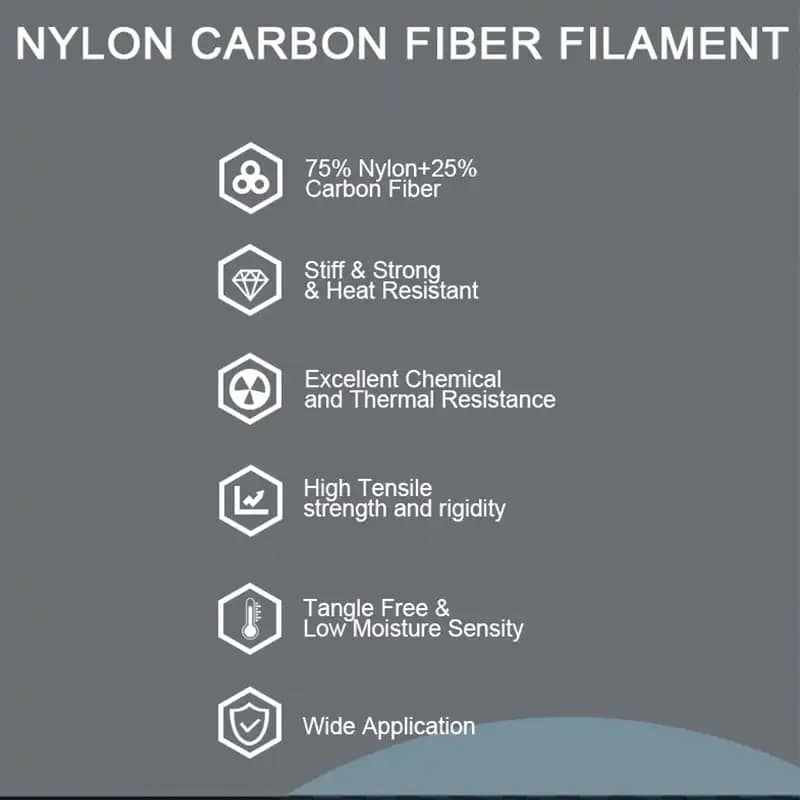
PA6-CF is a carbon fiber-reinforced nylon composite that offers outstanding mechanical properties, making it ideal for functional parts like structural brackets, automotive components, jigs, and fixtures. However, these properties come with specific requirements:
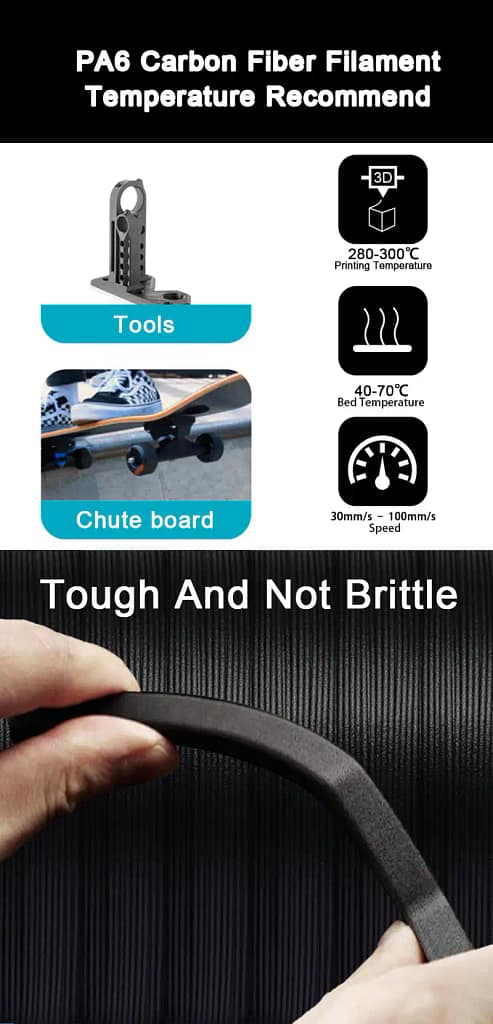
- High Print Temperature: Requires nozzle temperatures between 260–290°C, well beyond standard PLA or PETG ranges.
- Heated Bed Requirement: Needs bed temperatures of 80–100°C to ensure adhesion and prevent warping.
- Enclosed Build Chamber: PA6-CF is highly prone to warping without a stable, draft-free environment.
- Hardened Nozzle: Carbon fibers are abrasive; a hardened steel nozzle (0.4mm or 0.6mm) is mandatory to prevent nozzle wear.
- Aggressive Drying: PA6-CF is extremely hygroscopic and must be dried before use (e.g., 80°C for 8–12 hours) and printed from a dry box or sealed container.
- Layer Adhesion Sensitivity: Large prints require careful orientation and support strategies to maximize interlayer strength.
Can the FlashForge Adventurer 5M Pro Meet These Requirements?
Let’s evaluate the printer’s specifications against what PA6-CF demands.
| Requirement | PA6-CF Needs | FlashForge Adventurer 5M Pro Capability | Verdict |
|---|---|---|---|
| Nozzle Temperature | 260–290°C | Up to 320°C (stock hotend) | ✅ Compatible |
| Bed Temperature | 80–100°C | Up to 110°C | ✅ Compatible |
| Enclosed Build Chamber | Strongly recommended to prevent warping | Fully enclosed with active air filtration | ✅ Compatible |
| Hardened Nozzle | Mandatory (0.4mm or 0.6mm hardened steel) | Stock nozzle is brass/steel blend – must be upgraded | ⚠️ Requires Upgrade |
| Build Surface | Smooth PEI, textured PEI, or Cool Plate SuperTack | Stock textured PEI sheet works well with glue stick | ✅ Compatible |
| Drying & Humidity Control | Dry before use; print from <20% RH environment | No built-in filament dryer – external dryer needed | ⚠️ External Setup Required |
| Print Speed | Recommended ≤100 mm/s | Supports speed control in slicer | ✅ Compatible |
Conclusion: With a hardened steel nozzle upgrade and an external filament dryer, the FlashForge Adventurer 5M Pro is fully capable of producing high-quality PA6-CF prints.
Hardware Upgrades You’ll Need
To print PA6-CF safely and successfully, consider these upgrades:
- Hardened Steel Nozzle (0.4mm or 0.6mm) – The stock nozzle will wear quickly under abrasive carbon fiber. A hardened steel nozzle is a must. 0.6mm is recommended to reduce clogging risk and maintain flow consistency.
- Filament Dryer – PA6-CF absorbs moisture rapidly. Print directly from a heated dry box (e.g., Sunlu S4, Eibos, or a DIY drybox) set to 70–80°C during printing. Keep the chamber closed to maintain stable conditions.
- Build Plate Adhesion – Use glue stick on the textured PEI sheet. This aids adhesion and provides a release layer to prevent the part from bonding too aggressively.
- Flexible Build Plate (optional) – While the Adventurer 5M Pro’s standard plate works, a flexible magnetic plate can make removing large, stiff PA6-CF parts easier.
Recommended Print Settings for PA6-CF on the Adventurer 5M Pro
These settings are a starting point—adjust based on your specific model and environment.
| Parameter | Recommended Value |
|---|---|
| Nozzle Temperature | 270–280°C (first layer 275–285°C) |
| Bed Temperature | 90–100°C (first layer 100°C) |
| Print Speed | 40–60 mm/s (first layer 20–30 mm/s) |
| Layer Height | 0.16–0.24 mm (0.2 mm is a good balance) |
| Retraction | Reduce speed; PA6-CF is less stringy than plain nylon |
| Cooling Fan | 0–30% (minimal cooling to prevent warping) |
| Build Surface | Textured PEI sheet + glue stick |
| Enclosure | Keep fully closed during print |
| Chamber Temperature | Aim for 40–50°C (passively heated by bed) |
Step-by-Step: How to Print PA6-CF on the Adventurer 5M Pro
- Dry the Filament – Place the PA6-CF spool in a filament dryer at 80°C for 8–12 hours before printing. Store in a sealed bag with desiccant immediately after drying.
- Upgrade Nozzle – Install a hardened steel 0.4mm or 0.6mm nozzle. Perform a PID autotune after installation.
- Apply Glue – Clean the build plate and apply a thin, even layer of glue stick on the area where the part will print.
- Load Filament – Feed filament through a dry box into the printer’s filament runout sensor. Avoid exposing the material to ambient humidity for more than a few minutes.
- Configure Slicer – Use a slicer (OrcaSlicer, FlashPrint, or PrusaSlicer) with custom profiles. Set nozzle temp to 275°C, bed to 95°C, speed to 50 mm/s, and minimal cooling.
- Start Print – Begin printing and monitor the first layer closely. Ensure good adhesion before leaving the printer unattended.
- Post-Process – Once finished, allow the bed to cool completely before removing the part. Remove supports within 2 hours of printing; if left longer, they may absorb moisture and become difficult to remove.
- Consider Sealing (Optional) – If the part requires maximum stiffness, apply a waterproof coating (paint, wax, epoxy) to slow moisture absorption, which can reduce mechanical strength over time.
Why Use PA6-CF? Performance Benefits
PA6-CF is not a casual filament—it’s a high-performance engineering material with measurable advantages over standard plastics.
| 속성 | PA6-CF (Dry) | Typical PLA | Typical ABS |
|---|---|---|---|
| Bending Strength | 151 MPa | ~60–80 MPa | ~60–70 MPa |
| 굽힘 계수(강성) | 5460 MPa | ~2000–3000 MPa | ~2000–2500 MPa |
| Heat Deflection Temperature (0.45 MPa) | 186°C | ~55–60°C | ~85–95°C |
| 충격 강도 | 40.3 kJ/m² | ~5–10 kJ/m² | ~15–25 kJ/m² |
PA6-CF excels in applications requiring:
- Structural rigidity (brackets, mounts, frames)
- Heat resistance (engine compartments, enclosures)
- Dimensional stability under load (jigs, fixtures)
- Vibration dampening (machine components)
For more on advanced nylon materials, visit our 재료 선택 허브 .
Common Challenges and How to Overcome Them
| Challenge | Solution |
|---|---|
| Warping | Use a fully enclosed printer, preheat chamber, apply glue stick, and avoid cooling fans. |
| Poor Layer Adhesion | Increase nozzle temperature, reduce print speed, and ensure filament is thoroughly dried. |
| Clogging | 사용 0.6mm hardened steel nozzle to reduce back pressure; dry filament prevents moisture-induced clogs. |
| Nozzle Wear | Replace the stock nozzle with hardened steel; inspect after every few spools of abrasive filament. |
| 스트링 | PA6-CF has low stringing if dried; if present, adjust retraction settings or reduce temperature. |
FAQ: Printing PA6-CF on the FlashForge Adventurer 5M Pro
Q1: Is the FlashForge Adventurer 5M Pro compatible with PA6-CF out of the box?
A: Not entirely. The printer can reach the required temperatures and has an enclosure, but you must upgrade to a hardened steel nozzle to avoid rapid wear from carbon fibers.
Q2: Can I use the stock nozzle for PA6-CF?
A: You can, but it will wear quickly—often within a single 1kg spool. Hardened steel is strongly recommended for consistent print quality and nozzle longevity.
Q3: Do I need a filament dryer?
A: Yes. PA6-CF absorbs moisture extremely fast and will print poorly (bubbles, poor layer adhesion) if not dried. Print directly from a dry box set to 70–80°C.
Q4: What about the 0.2mm nozzle—can I use it?
A: No. Like most carbon fiber filaments, PA6-CF is not compatible with 0.2mm nozzles due to fiber length and clogging risk. A 0.4mm or 0.6mm hardened nozzle is the standard.
Q5: Does PA6-CF require an all-metal hotend?
A: The Adventurer 5M Pro’s hotend is all-metal and capable of 320°C, so no modification is needed beyond the nozzle.
Q6: Can I print PA6-CF without an enclosure?
A: Not recommended. The material warps significantly without a stable, draft-free environment. The Adventurer 5M Pro’s built-in enclosure is sufficient when kept closed.
Q7: How do I store PA6-CF after opening?
A: Store in a sealed bag with silica gel desiccant or in a dry box. Even a few hours of exposure can require re-drying. A vacuum-sealed bag with indicator desiccant is ideal.
Q8: Is PA6-CF safe to print indoors?
A: PA6-CF can release fine particles and styrene-like odors. The Adventurer 5M Pro’s built-in air filtration helps, but printing in a well-ventilated area or with an external air purifier is recommended.
Q9: What should I do if parts warp or lift from the bed?
A: Clean the plate thoroughly, reapply glue stick, ensure the bed temperature is 95–100°C, and keep the enclosure closed throughout the print. Adding a brim in the slicer can also help.
Q10: Where can I buy PA6-CF filament?
A: PA6-CF is available from many high-performance filament suppliers. For custom material solutions or high-volume manufacturing of parts, 엔지니어링 팀에 문의 to discuss your project needs.
Conclusion: Yes, the Adventurer 5M Pro Can Print PA6-CF
FlashForge Adventurer 5M Pro can it use PA6-CF? With the right upgrades—primarily a hardened steel nozzle and a filament dryer—this printer is fully capable of producing strong, heat-resistant, dimensionally stable parts from carbon fiber reinforced nylon. The printer’s high-temperature capabilities, enclosed chamber, and heated bed make it an excellent mid-range choice for users ready to step into engineering-grade materials.
Whether you’re manufacturing functional prototypes, production fixtures, or custom automotive components, PA6-CF opens the door to performance previously reserved for industrial printers. For companies looking to scale beyond single-part printing, 나일론 플라스틱 offers complete manufacturing solutions including material selection , 사출 성형 , 및 CNC 가공 to take your designs to volume production.
Ready to push your printer to its limits? Start with a hardened nozzle, a reliable dryer, and a well-tuned profile. For expert guidance on materials and manufacturing, contact us today .