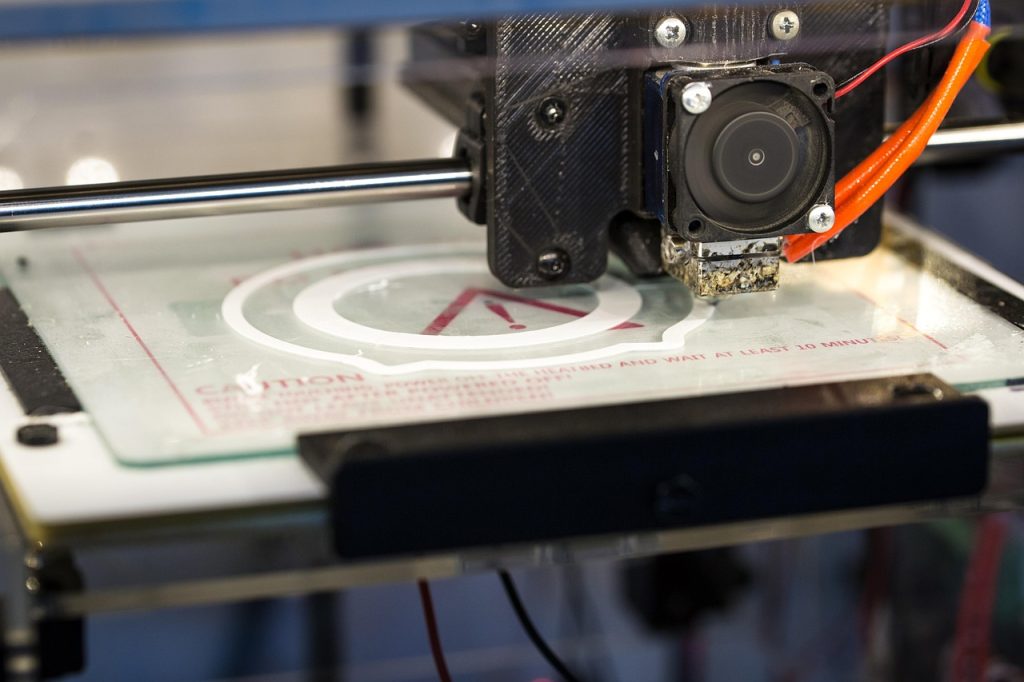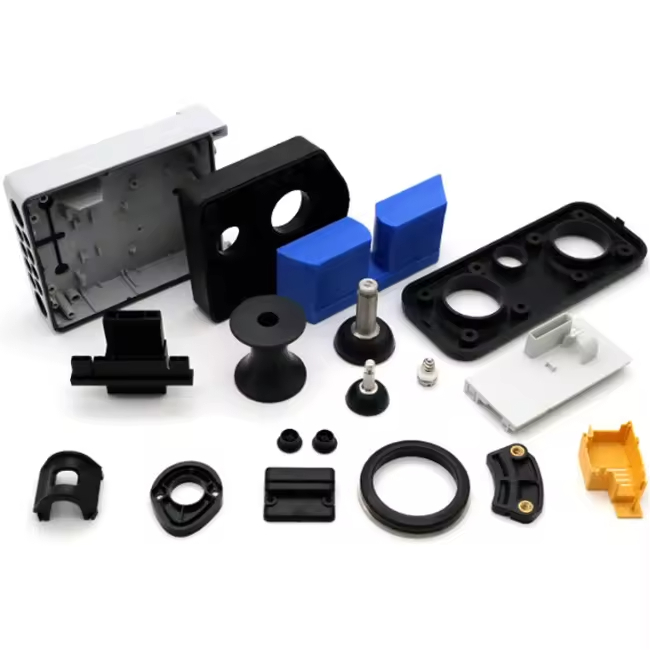

FlashForge Adventurer 5M Pro can it use PA6-CF is a common question among enthusiasts looking to push their printer’s capabilities into the realm of high-performance engineering materials. PA6-CF (carbon fiber reinforced nylon 6) is a demanding filament known for its exceptional stiffness, heat resistance, and strength. The short answer is yes, the FlashForge Adventurer 5M Pro can print PA6-CF successfully—but only with the right upgrades, settings, and understanding of the material’s requirements. This guide covers everything you need to know, from hardware prerequisites to print settings, drying protocols, and post-processing tips. At Nylon Plastic , we specialize in advanced materials like PA6-CF and provide expert guidance for manufacturers and makers alike.
For engineering and sourcing teams
Printing One Part or Planning Repeat Production?
The Adventurer 5M Pro can be a practical PA6-CF development tool. When quantity, inspection or delivery consistency becomes important, compare desktop printing with industrial additive manufacturing, CNC machining and molding.
- Use the settings below for prototypes and fixtures
- Validate moisture, orientation and tolerance before repeat builds
- Review another process when the quantity or inspection burden increases
Review a production-scale partView nylon 3D printing services
What Makes PA6-CF a Demanding Material?
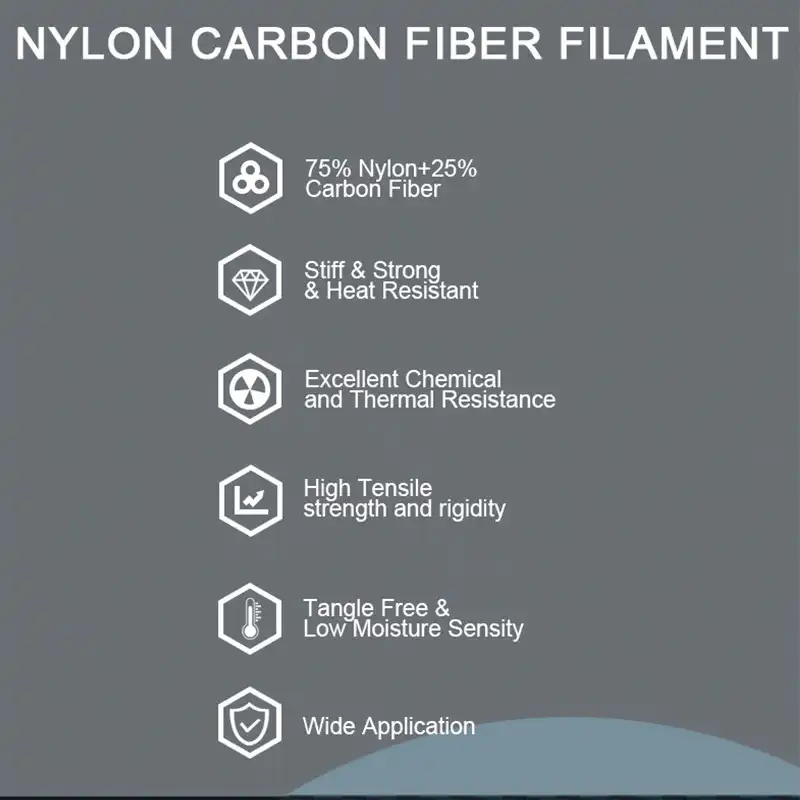
PA6-CF is a carbon fiber-reinforced nylon composite that offers outstanding mechanical properties, making it ideal for functional parts like structural brackets, automotive components, jigs, and fixtures. However, these properties come with specific requirements:
- High Print Temperature: Requires nozzle temperatures between 260–290°C, well beyond standard PLA or PETG ranges.
- Heated Bed Requirement: Needs bed temperatures of 80–100°C to ensure adhesion and prevent warping.
- Enclosed Build Chamber: PA6-CF is highly prone to warping without a stable, draft-free environment.
- Hardened Nozzle: Carbon fibers are abrasive; a hardened steel nozzle (0.4mm or 0.6mm) is mandatory to prevent nozzle wear.
- Aggressive Drying: PA6-CF is extremely hygroscopic and must be dried before use (e.g., 80°C for 8–12 hours) and printed from a dry box or sealed container.
- Layer Adhesion Sensitivity: Large prints require careful orientation and support strategies to maximize interlayer strength.
Can the FlashForge Adventurer 5M Pro Meet These Requirements?
Let’s evaluate the printer’s specifications against what PA6-CF demands.
| Requirement | PA6-CF Needs | FlashForge Adventurer 5M Pro Capability | Verdict |
|---|---|---|---|
| Nozzle Temperature | 260–290°C | Up to 320°C (stock hotend) |  Compatible Compatible |
| Bed Temperature | 80–100°C | Up to 110°C | Compatible |
| Enclosed Build Chamber | Strongly recommended to prevent warping | Fully enclosed with active air filtration | Compatible |
| Hardened Nozzle | Mandatory (0.4mm or 0.6mm hardened steel) | Stock nozzle is brass/steel blend – must be upgraded |  Requires Upgrade Requires Upgrade |
| Build Surface | Smooth PEI, textured PEI, or Cool Plate SuperTack | Stock textured PEI sheet works well with glue stick | Compatible |
| Drying & Humidity Control | Dry before use; print from <20% RH environment | No built-in filament dryer – external dryer needed | External Setup Required |
| Print Speed | Recommended ≤100 mm/s | Supports speed control in slicer | Compatible |
Conclusion: With a hardened steel nozzle upgrade and an external filament dryer, the FlashForge Adventurer 5M Pro is fully capable of producing high-quality PA6-CF prints.

Hardware Upgrades You’ll Need
To print PA6-CF safely and successfully, consider these upgrades:
- Hardened Steel Nozzle (0.4mm or 0.6mm) – The stock nozzle will wear quickly under abrasive carbon fiber. A hardened steel nozzle is a must. 0.6mm is recommended to reduce clogging risk and maintain flow consistency.
- Filament Dryer – PA6-CF absorbs moisture rapidly. Print directly from a heated dry box (e.g., Sunlu S4, Eibos, or a DIY drybox) set to 70–80°C during printing. Keep the chamber closed to maintain stable conditions.
- Build Plate Adhesion – Use glue stick on the textured PEI sheet. This aids adhesion and provides a release layer to prevent the part from bonding too aggressively.
- Flexible Build Plate (optional) – While the Adventurer 5M Pro’s standard plate works, a flexible magnetic plate can make removing large, stiff PA6-CF parts easier.
Recommended Print Settings for PA6-CF on the Adventurer 5M Pro
These settings are a starting point—adjust based on your specific model and environment.
| Parameter | Recommended Value |
|---|---|
| Nozzle Temperature | 270–280°C (first layer 275–285°C) |
| Bed Temperature | 90–100°C (first layer 100°C) |
| Print Speed | 40–60 mm/s (first layer 20–30 mm/s) |
| Layer Height | 0.16–0.24 mm (0.2 mm is a good balance) |
| Retraction | Reduce speed; PA6-CF is less stringy than plain nylon |
| Cooling Fan | 0–30% (minimal cooling to prevent warping) |
| Build Surface | Textured PEI sheet + glue stick |
| Enclosure | Keep fully closed during print |
| Chamber Temperature | Aim for 40–50°C (passively heated by bed) |

Step-by-Step: How to Print PA6-CF on the Adventurer 5M Pro
- Dry the Filament – Place the PA6-CF spool in a filament dryer at 80°C for 8–12 hours before printing. Store in a sealed bag with desiccant immediately after drying.
- Upgrade Nozzle – Install a hardened steel 0.4mm or 0.6mm nozzle. Perform a PID autotune after installation.
- Apply Glue – Clean the build plate and apply a thin, even layer of glue stick on the area where the part will print.
- Load Filament – Feed filament through a dry box into the printer’s filament runout sensor. Avoid exposing the material to ambient humidity for more than a few minutes.
- Configure Slicer – Use a slicer (OrcaSlicer, FlashPrint, or PrusaSlicer) with custom profiles. Set nozzle temp to 275°C, bed to 95°C, speed to 50 mm/s, and minimal cooling.
- Start Print – Begin printing and monitor the first layer closely. Ensure good adhesion before leaving the printer unattended.
- Post-Process – Once finished, allow the bed to cool completely before removing the part. Remove supports within 2 hours of printing; if left longer, they may absorb moisture and become difficult to remove.
- Consider Sealing (Optional) – If the part requires maximum stiffness, apply a waterproof coating (paint, wax, epoxy) to slow moisture absorption, which can reduce mechanical strength over time.
Why Use PA6-CF? Performance Benefits
PA6-CF is not a casual filament—it’s a high-performance engineering material with measurable advantages over standard plastics.
| Property | PA6-CF (Dry) | Typical PLA | Typical ABS |
|---|---|---|---|
| Bending Strength | 151 MPa | ~60–80 MPa | ~60–70 MPa |
| Bending Modulus (Stiffness) | 5460 MPa | ~2000–3000 MPa | ~2000–2500 MPa |
| Heat Deflection Temperature (0.45 MPa) | 186°C | ~55–60°C | ~85–95°C |
| Impact Strength | 40.3 kJ/m² | ~5–10 kJ/m² | ~15–25 kJ/m² |
PA6-CF excels in applications requiring:
- Structural rigidity (brackets, mounts, frames)
- Heat resistance (engine compartments, enclosures)
- Dimensional stability under load (jigs, fixtures)
- Vibration dampening (machine components)
For more on advanced nylon materials, visit our material selection hub .
Scaling beyond desktop printing?
If the project needs repeat batches, inspection reports or tighter surfaces, send the CAD file and quantity for an industrial 3D printing, CNC or molding comparison.
Common Challenges and How to Overcome Them
| Challenge | Solution |
|---|---|
| Warping | Use a fully enclosed printer, preheat chamber, apply glue stick, and avoid cooling fans. |
| Poor Layer Adhesion | Increase nozzle temperature, reduce print speed, and ensure filament is thoroughly dried. |
| Clogging | Use a 0.6mm hardened steel nozzle to reduce back pressure; dry filament prevents moisture-induced clogs. |
| Nozzle Wear | Replace the stock nozzle with hardened steel; inspect after every few spools of abrasive filament. |
| Stringing | PA6-CF has low stringing if dried; if present, adjust retraction settings or reduce temperature. |
FlashForge Adventurer 5M Pro PA6-CF FAQ
Can the Adventurer 5M Pro print PA6-CF with the stock nozzle?
The printer can reach the required temperature, but a hardened steel or similarly wear-resistant nozzle is recommended because carbon fiber is abrasive.
Does PA6-CF need to be dried before every print?
It should be dried thoroughly and kept in a sealed feed path. Moisture causes bubbling, weak layers, rough surfaces and unstable dimensions.
Is a 0.4 mm or 0.6 mm nozzle better for PA6-CF?
Both can work, but 0.6 mm usually lowers clogging risk and is often more reliable for repeated carbon-fiber nylon printing.
When should a project move from desktop printing to a service?
Consider a production service when quantity, repeatability, inspection, lead time or surface requirements become more important than making a few prototypes in-house.
Can PA6-CF printed parts be replaced by molded nylon?
Sometimes. The answer depends on quantity, geometry, tooling budget and whether molded fiber orientation can support the real load path.
Conclusion: Yes, the Adventurer 5M Pro Can Print PA6-CF
FlashForge Adventurer 5M Pro can it use PA6-CF? With the right upgrades—primarily a hardened steel nozzle and a filament dryer—this printer is fully capable of producing strong, heat-resistant, dimensionally stable parts from carbon fiber reinforced nylon. The printer’s high-temperature capabilities, enclosed chamber, and heated bed make it an excellent mid-range choice for users ready to step into engineering-grade materials.
Whether you’re manufacturing functional prototypes, production fixtures, or custom automotive components, PA6-CF opens the door to performance previously reserved for industrial printers. For companies looking to scale beyond single-part printing, Nylon Plastic offers complete manufacturing solutions including material selection , injection molding , and CNC machining to take your designs to volume production.
Ready to push your printer to its limits? Start with a hardened nozzle, a reliable dryer, and a well-tuned profile. For expert guidance on materials and manufacturing, contact us today .
Related Articles
For a production-scale PA6-CF part review
Share the CAD file, required quantity, load, tolerance and finish. We will compare an appropriate manufacturing route rather than simply quoting more desktop prints.