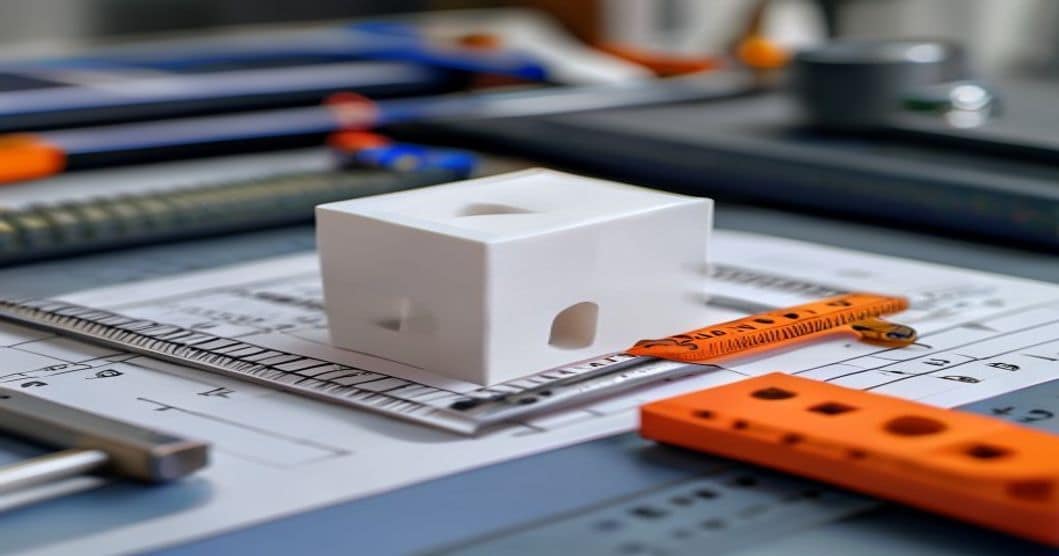
The 3d printer calibration cube is the single most commonly printed calibration object, yet it is also the most misunderstood. A cube that measures precisely 20x20x20mm indicates your printer is dialed in. A cube that measures 20.3×19.8×20.1mm reveals calibration drift that will ruin precision assemblies. This guide walks through printing, measuring, and interpreting calibration cubes for both new and experienced users.
What Is a 3D Printer Calibration Cube
A calibration cube is a simple geometric shape printed to verify that your 3D printer produces parts at the correct size. The standard is a 20mm cube with clearly labeled X, Y, and Z axes. After printing, you measure each dimension with digital calipers and compare against the design intent. Any deviation reveals scaling error, belt tension issues, or mechanical misalignment.
While the cube seems trivial, it is the foundation of dimensional accuracy. Every functional part you print will inherit the same dimensional errors present in your calibration cube until you correct them.
Why Calibration Cubes Matter
A 3D printed part is only as accurate as the machine that produced it. Common issues revealed by calibration cubes include:
- X/Y scaling error — Belts too loose or too tight, or incorrect steps-per-mm calibration
- Z-axis error — Lead screw pitch mismatch or layer height not dividing evenly into total height
- Diagonal shrinkage — Uneven cooling or frame not square
- Rounded corners — Excessive nozzle compensation or loose belts
- Elephant foot — First layer too squished or bed temperature too high
How to Print a Calibration Cube
Follow this workflow for a reliable calibration cube print:
- Download a standard cube — Use a known-good model (e.g., from Thingiverse or Printables) with clearly labeled axes and 20mm nominal dimensions
- Slice with standard settings — 0.2mm layer height, 20% infill, 3 perimeters, no supports, PLA at 200-210°C
- Disable any auto-scaling — Ensure slicer settings do not have X/Y/Z scaling enabled
- Print in the center of the bed — Avoid bed-leveling irregularities at the edges
- Allow full cooling — Measure only after the cube reaches room temperature; PLA continues shrinking for several minutes after printing
Measuring Your Calibration Cube
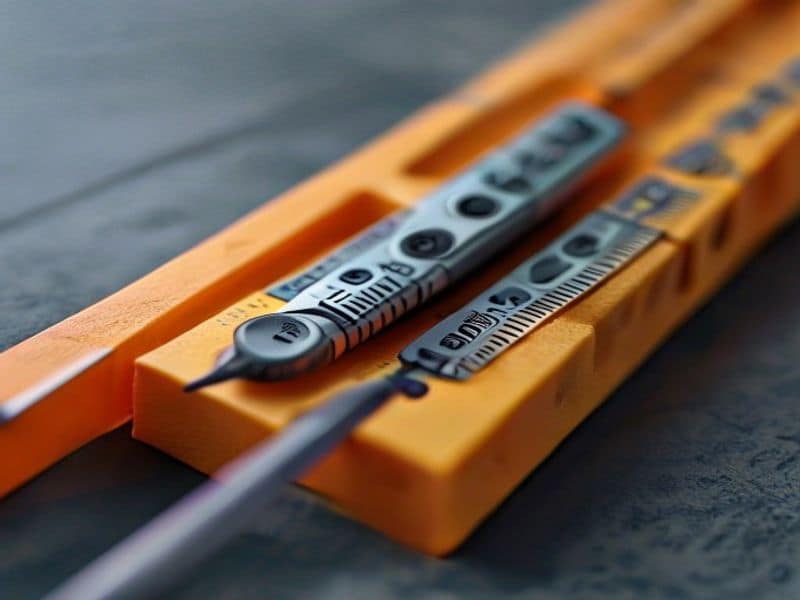
Use digital calipers with 0.01mm resolution. Measure each dimension in three places and take the average:
| Axis | Nominal (mm) | Acceptable Range | What Error Indicates |
|---|---|---|---|
| X | 20.00 | 19.95-20.05 | X-axis belt tension or steps/mm |
| Y | 20.00 | 19.95-20.05 | Y-axis belt tension or steps/mm |
| Z | 20.00 | 19.90-20.10 | Z-lead screw pitch or layer height math |
If your measurements fall outside these ranges, proceed to calibration corrections. A difference of 0.1mm or more requires immediate attention; small-batch production parts will not fit together reliably.
Correcting X and Y Axis Scaling
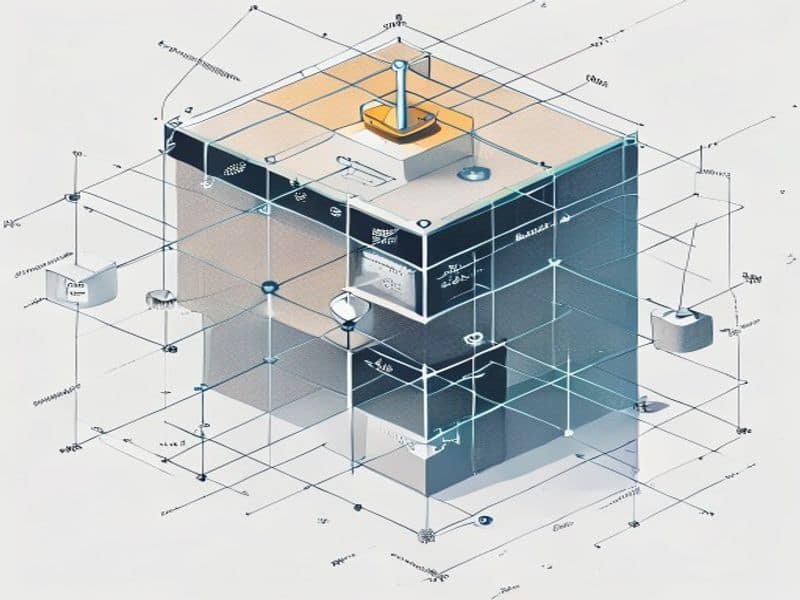
If the cube measures 20.3mm in X but should be 20.0mm, your printer is over-extruding in that axis. The correction process:
- Calculate the correction factor: 20.0 ÷ measured_value = steps_per_mm_multiplier
- Send M92 X[new_steps] Y[new_steps] to the printer (values depend on your hardware)
- Save with M500 (if EEPROM is enabled)
- Reprint the cube and remeasure
Repeat until all three axes fall within 0.05mm of nominal. Belt tension also affects this: too loose and the axis can skip steps; too tight and the motor struggles to move smoothly. Adjust belt tension so you can pluck it like a guitar string (approximately 100-120Hz for typical GT2 belts).
Why Choose Nylon Plastic for Your 3D Printing and Engineering Plastic Needs
With over 10 years of experience in engineering plastics, Nylon Plastic supplies high-performance materials to B2B clients worldwide. Our product range covers nylon (PA6, PA66, PA12), POM, PEEK, and 3D printing filaments including PLA, PLA+, and PETG. Every batch is tested for diameter tolerance (±0.03mm), moisture content, and mechanical properties before shipping.
- ISO 9001 certified manufacturing facilities
- Bulk supply with competitive B2B pricing
- Technical support for material selection and printing parameters
- Fast global shipping from multiple warehouses
- Custom material formulation available for OEM projects
관련 읽기
자주 묻는 질문
How often should I print a calibration cube?
Print a cube after any mechanical work (belt changes, nozzle replacement, hot end rebuild), after a firmware update, when switching to a new filament brand, or whenever you notice parts not fitting together. For stable, unmodified printers, once every 2-3 months is sufficient. Production environments should calibrate weekly or after every spool change.
My cube measures correctly but parts still do not fit. Why?
The calibration cube only checks overall scaling, not local dimensional accuracy. If your printed parts have internal features (holes, pockets, threads) that are out of tolerance, you likely need to calibrate horizontal expansion (sometimes called XY compensation) in your slicer. A cube cannot reveal this — print a calibration template with holes and bosses to dial in these settings.
Should I use a 20mm or 10mm calibration cube?
A 20mm cube is the standard and reveals scaling errors more clearly (a 1% error = 0.2mm on a 20mm cube vs. 0.1mm on a 10mm cube). Use 20mm for general calibration. Use a 10mm cube only when your printer has a very small build volume or you want to test dimensional accuracy in a specific small region of the bed.
Does PLA vs PLA+ affect calibration cube accuracy?
The filament type has minimal impact on dimensional accuracy, provided you are using quality filament with tight diameter tolerance (±0.03-0.05mm). PLA and PLA+ shrink at nearly the same rate (approximately 0.3-0.5% linear shrinkage). The bigger factor is consistent diameter — cheap filament with ±0.10mm variation will produce measurably different cube dimensions depending on which section of the spool you printed from.