PLA filament is widely considered the most beginner-friendly 3D printing material, yet even experienced users encounter print failures. Stringing, warping, under-extrusion, and layer separation can turn a promising print into wasted filament and frustration. This comprehensive troubleshooting guide covers the root causes and proven solutions for the most common PLA and PLA+ problems.
PLA Stringing and Oozing
Stringing appears as thin plastic threads between printed features. It occurs when molten filament drips from the nozzle during travel moves. The primary causes and fixes:
| Symptom | Likely Cause | Solution |
|---|---|---|
| Fine hairs between parts | Retraction too short | Increase retraction distance by 0.5-1mm increments |
| Thick blobs on travel paths | Nozzle temperature too high | Reduce temperature by 5°C increments |
| Stringing only on first layers | Z-hop disabled or too low | Enable Z-hop at 0.2-0.4mm |
| Stringing with PLA+ only | Additive package increases flow | Increase retraction by 1-2mm and retraction speed by 5-10mm/s |
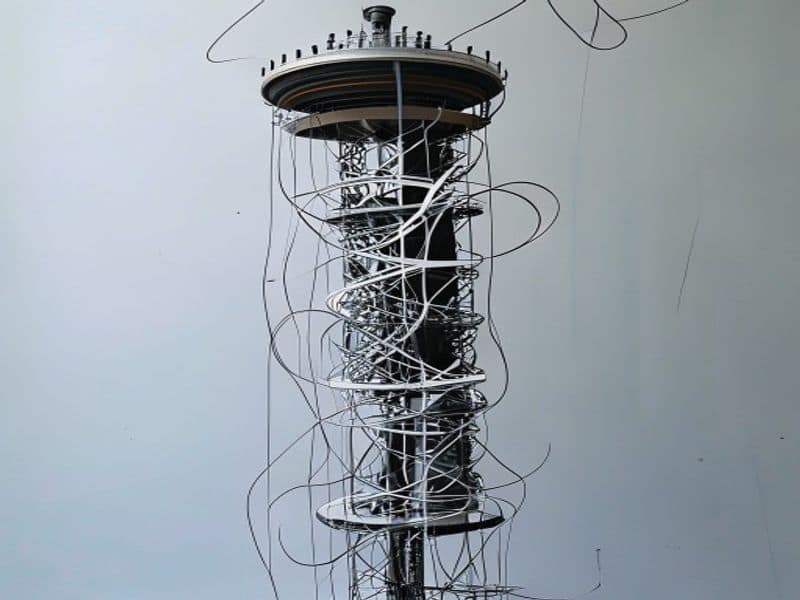
Print a retraction tower to dial in optimal settings. For PLA+, which often has higher melt flow, retraction distance typically needs to be 1-2mm longer than for standard PLA to prevent oozing during travel moves.
PLA Warping and Bed Adhesion
Warping in PLA is less severe than ABS but still occurs, especially on larger parts or thin-walled prints. The plastic cools and contracts, pulling the corners upward.
Solutions ranked by effectiveness:
- Clean the build surface — Wash with dish soap and warm water. Finger oils, dust, and old adhesive residue prevent proper adhesion
- Use a brim — A 5-10mm brim anchors the perimeter and prevents corner lift on parts with small contact areas
- Reduce first-layer print speed — Slow down to 20-30mm/s for the first layer to ensure proper squish and adhesion
- Increase bed temperature — PLA adheres best at 55-65°C. Going below 50°C significantly increases warping risk
- Use an enclosure — Even a cardboard box reduces drafts that cause uneven cooling and warping
PLA Under-Extrusion and Clogging
Under-extrusion manifests as gaps in walls, incomplete infill, or layers that do not bond. The PLA-specific causes:
- Moisture in filament — The most common cause. Wet PLA creates steam bubbles in the nozzle, causing inconsistent extrusion. Dry at 45-50°C for 4-6 hours before ruling out other causes
- Partial nozzle clog — PLA degrades into burned carbon at temperatures above 240°C. If you ran a temperature tower too hot, clean the nozzle with a cold pull
- Heat creep — The hot end heats the cold end, softening filament before the drive gear. Usually caused by insufficient cooling fan or printing too slowly with a high-temperature hot end
- Extruder skipping — The drive gear slips on the filament. Increase idler tension or reduce print speed
PLA Layer Separation
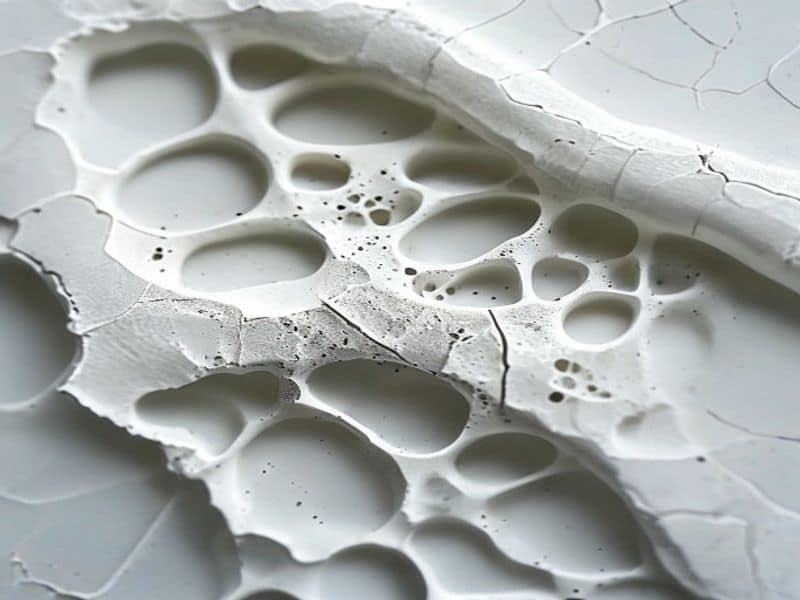
Layer separation — where printed layers peel apart — is almost always a temperature problem. PLA requires sufficient heat to bond layers together. If the nozzle is too cool, or the part cools too quickly, layer adhesion fails.
Fixes for layer separation:
- Increase nozzle temperature by 5-15°C (within PLA limits of 190-230°C)
- Reduce part cooling fan speed to 50-70% for PLA (100% cooling can cause poor layer bonding)
- Use an enclosure to maintain ambient temperature around the print
- Print thicker layers (0.25-0.3mm) which retain heat better than thin layers
- Ensure the filament is dry — wet filament produces weak layer adhesion even at correct temperatures
PLA Storage and Moisture Management
PLA is hygroscopic and will absorb moisture from the air over time. Symptoms of moist PLA include:
- Popping or crackling sounds during extrusion
- Rough, bubbly surface finish
- Significantly reduced tensile strength (up to 30% loss)
- Inconsistent diameter as moisture creates internal bubbles
Prevention is cheaper than fixing. Store PLA in airtight containers with color-changing desiccant. When the desiccant turns pink, bake it in an oven at 120°C for 2 hours to regenerate. For long-term storage (3+ months), vacuum-seal with a desiccant packet.
Why Choose Nylon Plastic for Your 3D Printing and Engineering Plastic Needs
With over 10 years of experience in engineering plastics, Nylon Plastic supplies high-performance materials to B2B clients worldwide. Our product range covers nylon (PA6, PA66, PA12), POM, PEEK, and 3D printing filaments including PLA, PLA+, and PETG. Every batch is tested for diameter tolerance (±0.03mm), moisture content, and mechanical properties before shipping.
- ISO 9001 certified manufacturing facilities
- Bulk supply with competitive B2B pricing
- Technical support for material selection and printing parameters
- Fast global shipping from multiple warehouses
- Custom material formulation available for OEM projects
관련 읽기
- PLA vs PLA: Understanding the Different PLA Filament Grades
- PLA+ vs PLA: Strength, Heat Resistance and Print Quality Compared
- 3D Printer Calibration Cube Guide
- Beyond the Calibration Cube
자주 묻는 질문
Can I print PLA and PLA+ at the same nozzle temperature?
Not optimally. PLA+ typically requires 5-15°C higher temperature (200-230°C) than standard PLA (190-220°C) for proper layer adhesion. Printing PLA+ at standard PLA temperatures results in weak layer bonding and poor surface finish. Always run a temperature tower when switching between PLA and PLA+ filaments.
Why does my PLA print have a matte finish in some areas and glossy in others?
This indicates you are printing at the melt limit of your hot end. Matte areas correspond to higher flow rates where the plastic exits the nozzle cooler (less melt). Glossy areas are lower flow where the plastic is fully molten. Upgrade to a high-flow nozzle, reduce print speed, or increase temperature by 5-10°C to eliminate the inconsistency.
How do I know if my PLA filament is too moist to print?
Listen to the extruder during printing. Moist PLA makes a distinctive popping or crackling sound as trapped water turns to steam. Visually, moist filament produces a rough, sandy surface finish and may show small bubbles on the extruded bead. If you suspect moisture, dry the filament at 45-50°C for 4-6 hours and retry.
What is the best first-layer adhesion solution for PLA on a glass bed?
For glass beds, a thin layer of glue stick (PVA-based) or hairspray provides excellent PLA adhesion without damaging the surface. Clean the glass with isopropyl alcohol before application. Alternatively, PEI sheets bonded to glass provide permanent adhesion with excellent part release once cooled. Avoid painter’s tape for PLA — it degrades quickly under PLA printing temperatures.