
Infill pattern selection affects print strength, weight, speed, and material usage. While many users stick with default settings, understanding pattern characteristics helps optimize prints for specific applications.
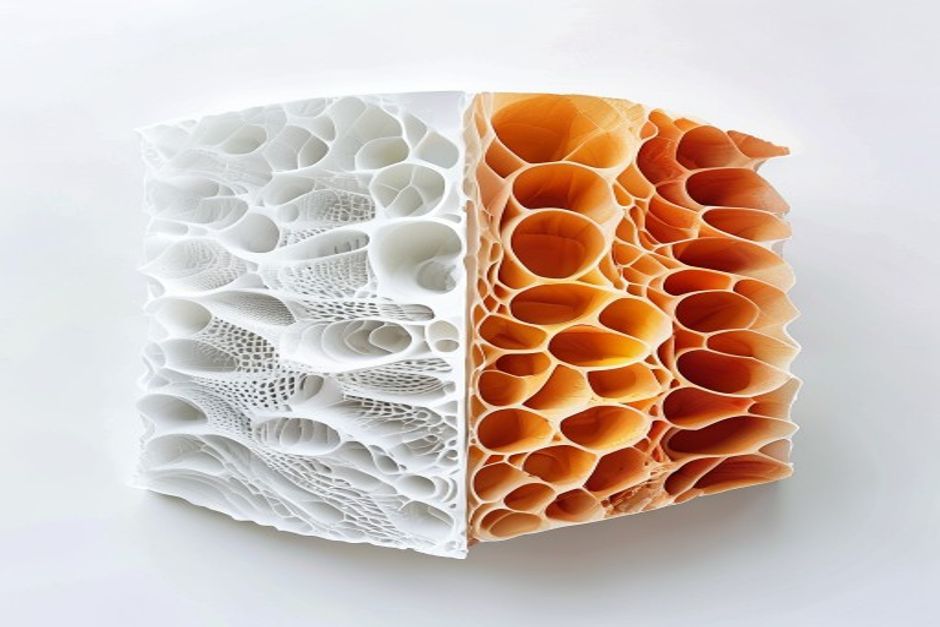
Why Infill Pattern Matters
Infill serves multiple purposes:
- Structural support: Provides internal strength
- Top surface support: Prevents sagging on flat surfaces
- 減輕重量: Varies density without proportional strength loss
- Material savings: Reduces print cost and time
Production applications benefit significantly from optimized infill.
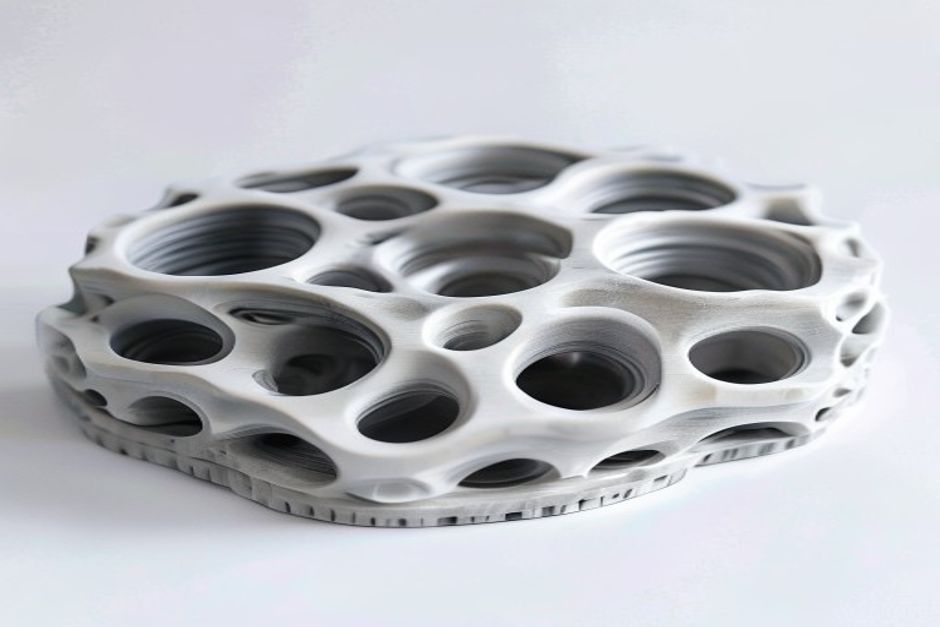
Pattern Comparison
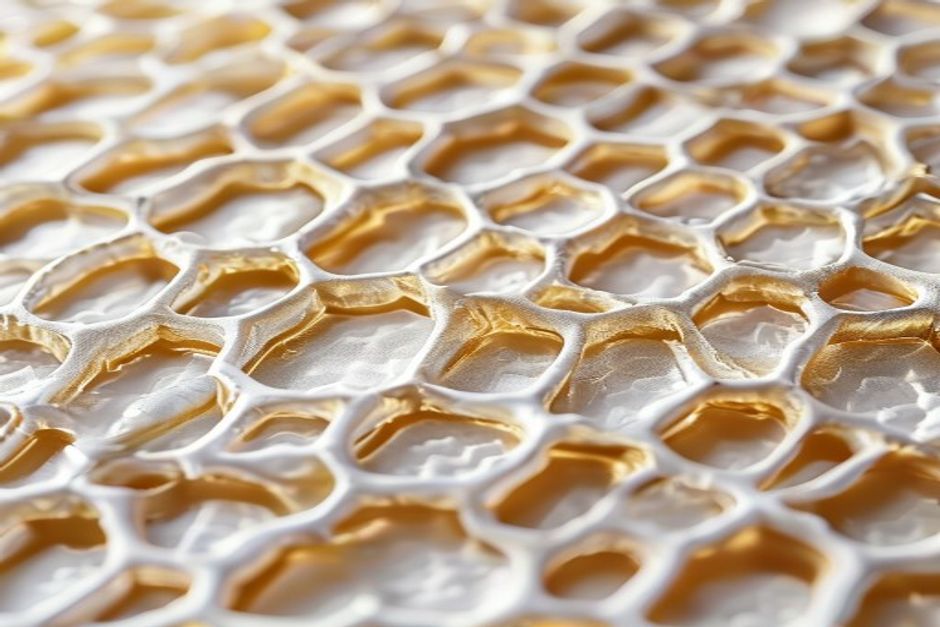
Honeycomb (Hexagonal)
特性:
- Excellent strength-to-weight ratio
- Even stress distribution
- Medium print time
- Good for most applications
Best For: General-purpose functional parts
Glass-filled materials pair well with honeycomb.
Gyroid
特性:
- Superior isotropic strength (equal in all directions)
- Good vibration damping
- Slightly longer print time
- Excellent for load-bearing parts
Best For: Parts with multi-directional loads
Cubic
特性:
- Good strength, slightly anisotropic
- Fast printing
- Easy to print
- Good for standard applications
Best For: Quick prototypes, non-critical parts
Triangular
特性:
- High strength in specific directions
- Fast printing
- Good for specific load cases
- Directional properties
Best For: Parts with known load direction
Grid/Rectilinear
特性:
- Fastest printing
- Lowest material usage
- Weakest structure
- Good for non-structural parts
Best For: Display models, light-duty applications
Lightning
特性:
- Minimal material usage
- Fast printing
- Weak structure
- Automatic density adjustment
Best For: Top surface support only, not structural
Strength Comparison
| Pattern | Tensile | Compressive | Shear | Isotropy |
|---|---|---|---|---|
| Gyroid | ★★★★★ | ★★★★★ | ★★★★★ | 極佳 |
| Honeycomb | ★★★★☆ | ★★★★★ | ★★★★☆ | 良好 |
| Cubic | ★★★★☆ | ★★★★☆ | ★★★☆☆ | 中度 |
| Triangular | ★★★☆☆ | ★★★★☆ | ★★★★☆ | Poor |
| Grid | ★★☆☆☆ | ★★★☆☆ | ★★☆☆☆ | Poor |
| Lightning | ★☆☆☆☆ | ★★☆☆☆ | ★☆☆☆☆ | N/A |
Density Recommendations
| 應用 | 密度 | Pattern |
|---|---|---|
| Display only | 10-15% | Grid |
| Light duty | 15-20% | Cubic |
| Standard | 20-30% | Honeycomb |
| Functional | 30-50% | Gyroid |
| High strength | 50-80% | Gyroid |
| Solid | 100% | Any |
Speed Impact
Relative print time at 20% infill:
| Pattern | Relative Speed |
|---|---|
| Lightning | 100% (fastest) |
| Grid | 95% |
| Triangular | 90% |
| Cubic | 85% |
| Honeycomb | 75% |
| Gyroid | 70% |
Material costs should factor into pattern selection.
常見問題
When is Infill Patterns Explained — Strength, Speed & Material Usage Compared a good option?
Infill Patterns Explained — Strength, Speed & Material Usage Compared is a good option when fast iteration, complex geometry, low tooling cost, or low-volume production is more important than molded-part unit cost.
What should be checked before choosing Infill Patterns Explained — Strength, Speed & Material Usage Compared?
檢查零件尺寸、材料特性、表面光潔度、尺寸公差、受熱情況、負載方向,以及是否需要後加工。.
How does Infill Patterns Explained — Strength, Speed & Material Usage Compared compare with CNC machining?
3D 列印可以快速製造複雜的形狀,而 CNC 加工通常在精密表面、更小的公差和生產級材料方面更強。.
What affects the cost of Infill Patterns Explained — Strength, Speed & Material Usage Compared?
成本取決於材料、建置量、列印時間、層高、支撐移除、精加工、檢查以及建置中的零件數量。.
 English
 Dutch
Dutch German
 French
 Korean
 Russian
 Japanese
 Spanish
 Vietnamese
 Chinese
 Portuguese
 Arabic