Infill is a practical engineering topic when you need to compare options, check limits, and choose a process with less risk.
Infill pattern selection affects print strength, weight, speed, and material usage. While many users stick with default settings, understanding pattern characteristics helps optimize prints for specific applications.
Why Infill Pattern Matters
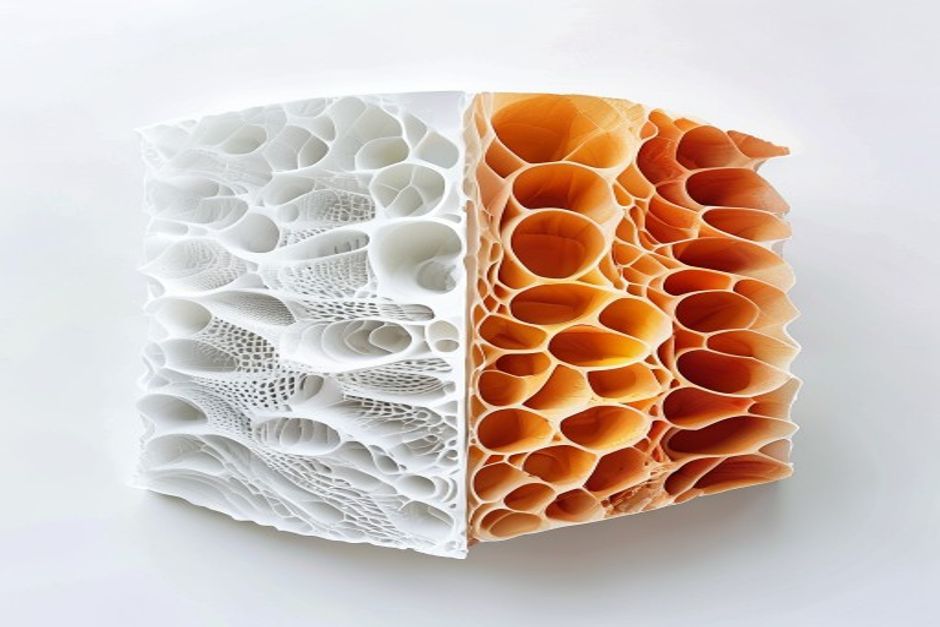
Infill serves multiple purposes:
- Structural support: Provides internal strength
- Top surface support: Prevents sagging on flat surfaces
- Weight reduction: Varies density without proportional strength loss
- Material savings: Reduces print cost and time
Production applications benefit significantly from optimized infill.
Pattern Comparison
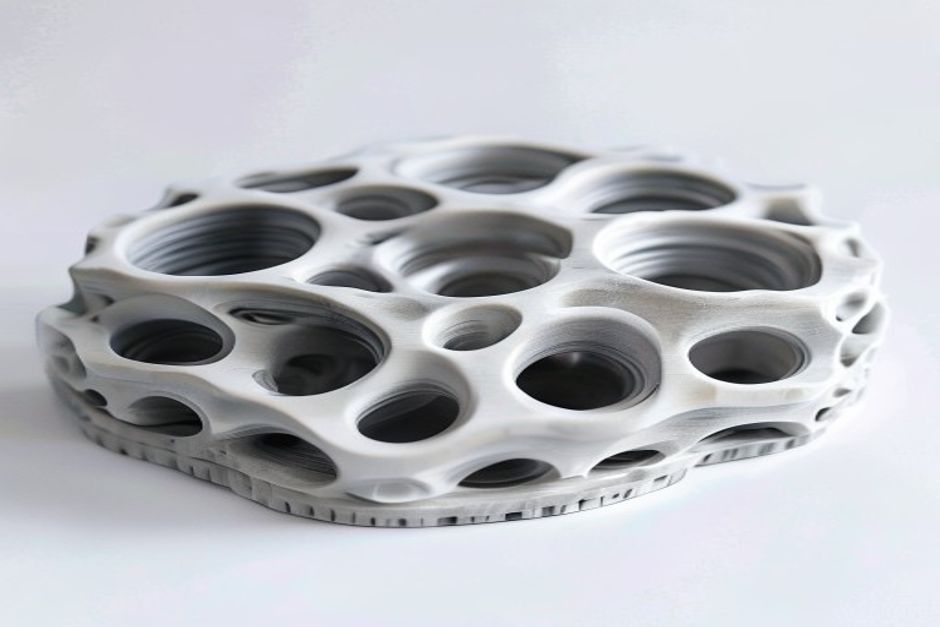
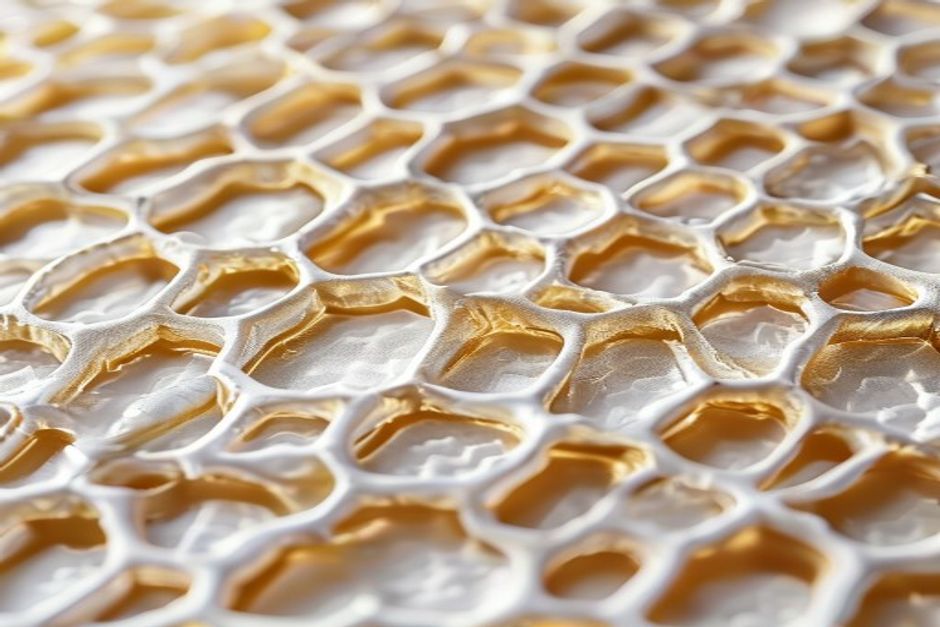
Honeycomb (Hexagonal)
Characteristics:
- Excellent strength-to-weight ratio
- Even stress distribution
- Medium print time
- Good for most applications
Best For: General-purpose functional parts
Glass-filled materials pair well with honeycomb.
Gyroid
Characteristics:
- Superior isotropic strength (equal in all directions)
- Good vibration damping
- Slightly longer print time
- Excellent for load-bearing parts
Best For: Parts with multi-directional loads
Cubic
Characteristics:
- Good strength, slightly anisotropic
- Fast printing
- Easy to print
- Good for standard applications
Best For: Quick prototypes, non-critical parts
Triangular
Characteristics:
- High strength in specific directions
- Fast printing
- Good for specific load cases
- Directional properties
Best For: Parts with known load direction
Grid/Rectilinear
Characteristics:
- Fastest printing
- Lowest material usage
- Weakest structure
- Good for non-structural parts
Best For: Display models, light-duty applications
Lightning
Characteristics:
- Minimal material usage
- Fast printing
- Weak structure
- Automatic density adjustment
Best For: Top surface support only, not structural
Strength Comparison
| Pattern | Tensile | Compressive | Shear | Isotropy |
|---|---|---|---|---|
| Gyroid | ★★★★★ | ★★★★★ | ★★★★★ | Excellent |
| Honeycomb | ★★★★☆ | ★★★★★ | ★★★★☆ | Good |
| Cubic | ★★★★☆ | ★★★★☆ | ★★★☆☆ | Moderate |
| Triangular | ★★★☆☆ | ★★★★☆ | ★★★★☆ | Poor |
| Grid | ★★☆☆☆ | ★★★☆☆ | ★★☆☆☆ | Poor |
| Lightning | ★☆☆☆☆ | ★★☆☆☆ | ★☆☆☆☆ | N/A |
Density Recommendations
| Application | Density | Pattern |
|---|---|---|
| Display only | 10-15% | Grid |
| Light duty | 15-20% | Cubic |
| Standard | 20-30% | Honeycomb |
| Functional | 30-50% | Gyroid |
| High strength | 50-80% | Gyroid |
| Solid | 100% | Any |
Speed Impact
Relative print time at 20% infill:
| Pattern | Relative Speed |
|---|---|
| Lightning | 100% (fastest) |
| Grid | 95% |
| Triangular | 90% |
| Cubic | 85% |
| Honeycomb | 75% |
| Gyroid | 70% |
Material costs should factor into pattern selection.
FAQ
When is Infill Patterns Explained — Strength, Speed & Material Usage Compared a good option?
Infill Patterns Explained — Strength, Speed & Material Usage Compared is a good option when fast iteration, complex geometry, low tooling cost, or low-volume production is more important than molded-part unit cost.
What should be checked before choosing Infill Patterns Explained — Strength, Speed & Material Usage Compared?
Check part size, material properties, surface finish, dimensional tolerance, heat exposure, load direction, and whether post-processing is required.
How does Infill Patterns Explained — Strength, Speed & Material Usage Compared compare with CNC machining?
3D printing can create complex shapes quickly, while CNC machining is often stronger for precise surfaces, tighter tolerances, and production-grade materials.
What affects the cost of Infill Patterns Explained — Strength, Speed & Material Usage Compared?
Cost depends on material, build volume, print time, layer height, support removal, finishing, inspection, and the number of parts in the build.