Let me tell you about a mistake I’ve watched engineers make for fifteen years. They spend weeks designing a part in CAD, run FEA until the color map looks pretty, then send it to the first shop that quotes under budget. The parts come back — and they don’t fit. Or a wall is too thin and it cracked during machining. Or the threads stripped on first assembly because nobody checked the engagement length against the prototype material.
Prototype CNC machining isn’t just “make one of these, but fast.” It’s a different game than production machining, with different rules, different priorities, and different failure modes. Get it right and your prototype validates your design in days. Get it wrong and you’re on iteration number four with a project manager asking why the schedule is slipping.
Here’s the complete workflow I use — the one that’s worked across automotive, aerospace, medical device, and robotics projects. No theory. Just what actually works on the shop floor.
Core Concepts & Fundamentals
Prototype CNC machining is fundamentally different from production CNC machining, and if you treat them the same way, you’re going to burn time and money. Here’s why.
In prototyping, you optimize for speed and information. You want the part in your hands as fast as possible so you can test fit, function, and form. You’re willing to accept a higher unit cost if it means getting the part in three days instead of three weeks. You’re not building dedicated s — you’re using soft jaws, modular fixturing, or even double-sided tape for thin parts. And critically: you know this part might be wrong. The prototype is supposed to surface problems, so you design for testability, not just manufacturability.
The most important shift in mindset: a prototype CNC part is a learning tool, not a final product. If the part teaches you something useful — even if it fails — that’s a successful prototype. The worst outcome isn’t a part that breaks; it’s a part that takes four weeks to arrive and then confirms what you could have learned in four days.
This is where online CNC prototyping services have changed the game. Traditional shops hate one-off prototypes because the setup cost eats their margin. Online platforms aggregate prototype orders and use automated workflows to make one-offs economically viable. You get prototype parts at prototype prices without having to beg a local shop to squeeze you in.
Key Processes & Technologies
Not every prototype should be CNC machined. Knowing which process to use — and when — is half the battle.
| Process | Typical Speed | Material Options | Surface Quality | When to Use It |
|---|---|---|---|---|
| 3-Axis CNC Milling | 3–5 days | Full metal & plastic range | Excellent — production-grade | Functional prototypes that need real material properties and mechanical testing |
| 5-Axis CNC Milling | 5–8 days | Full metal & plastic range | Excellent — fewer setups = better accuracy | Complex geometries with compound angles; prototype parts that mirror production 5-axis parts |
| CNC Turning | 3–5 days | Metals & plastics | Smooth turned finish | Shafts, bushings, spacers — anything round that needs tight diametral tolerances |
| 3D Printing (SLS/MJF) | 1–3 days | Nylon, TPU, some metals | Layered texture — not production finish | Form/fit checks before committing to CNC; parts with internal complexity impossible to machine |
| Rapid Injection Molding | 7–14 days | Production-grade thermoplastics | Good — mold finish dependent | When the prototype needs to match the production injection molding process at low volumes |
Here’s a decision framework I use: if the prototype needs to be load-tested, thermally cycled, or assembled with real production hardware, CNC machine it. The material properties are real — not approximated the way 3D-printed parts are. If the prototype is purely for visual review or ergonomic evaluation, 3D printing might be faster and cheaper. But if there’s any mechanical testing involved, don’t fool yourself with a 3D print that has 60% of the strength of the real material.
One thing that surprises engineers new to CNC prototyping: the turnaround on a simple 3-axis aluminum part can be as fast as 3D printing once you account for the entire workflow. SLS nylon needs post-processing — depowdering, dyeing, sometimes vapor smoothing. A CNC aluminum part comes off the machine, gets deburred, and ships. For functional prototypes, the total elapsed time is often comparable.
Industrial Applications
| Industry | Application | Material | Key Requirement | nylonplastic.com Advantage |
|---|---|---|---|---|
| Automotive | Intake manifold prototype | 6061-T6 Aluminum | Airtight welds, thermal cycling tolerance | Multi-axis machining + pressure testing on request |
| Aerospace | UAV structural bracket prototype | 7075-T7351 Aluminum | Minimum weight, FEA correlation validation | 5-axis machining preserves grain direction; material certs standard |
| Medical | Orthopedic implant trial component | Ti-6Al-4V (Grade 5 Titanium) | Biocompatible surface, no burrs, full traceability | Titanium machining expertise; passivation + cleanroom packaging available |
| Electronics | Enclosure prototype for thermal testing | 6063 Aluminum / Copper C110 | Thermal conductivity validation, EMI shielding | Thin-wall machining for heat sink fins; conductive surface finishes |
| Industrial Equipment | Gearbox housing prototype | Cast Iron / 4140 Steel | Bearing bore alignment, vibration testing | In-line CMM verification of bore positions and coaxiality |
| Robotic Automation | End-of-arm tooling prototype | 7075 Aluminum / Carbon Steel | Low mass, high stiffness, quick iteration cycles | Same-week turnaround on simple geometries; modular fixturing for fast revisions |
Notice a pattern? Across every industry, the prototype requirements share three things: real materials, real tolerances, and fast turnaround. 3D printing can’t deliver the first two. Traditional machine shops struggle with the third. That’s the sweet spot where online CNC prototyping lives.
Material Selection — What Actually Works
Material selection for prototypes has a different logic than for production. In production, you optimize for the application. In prototyping, you optimize for the test — and sometimes those aren’t the same thing.
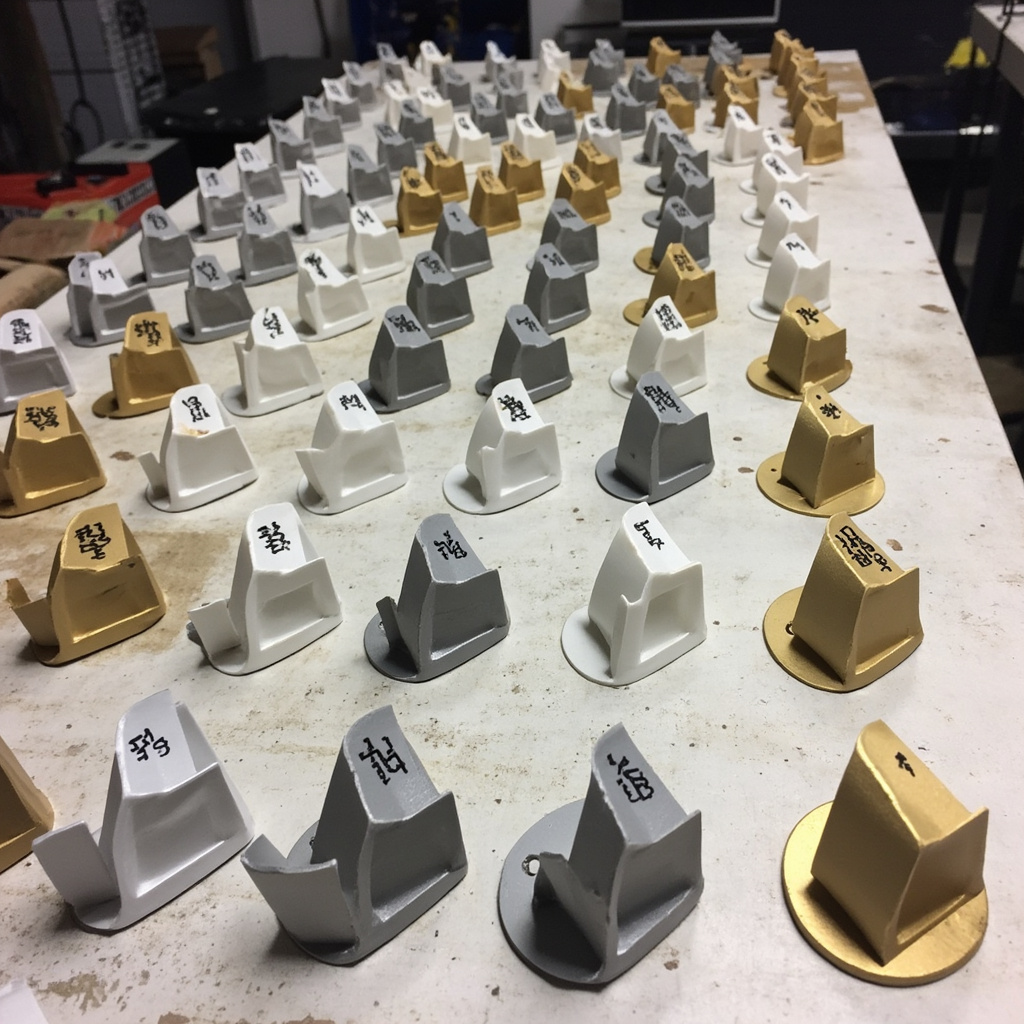
6061-T6 Aluminum: The default prototyping material for good reason. It machines fast, costs less than almost anything else, and gives you a part you can actually test. Unless your production material is drastically different (like titanium or injection-molded plastic), prototype in 6061 first. You’ll learn 90% of what you need to know about the design before committing to the production material.
7075-T6/T7351 Aluminum: Reach for this when your prototype needs to be structurally tested at loads approaching production conditions. It’s about 80% stronger than 6061. Worth the extra cost if failure load is a parameter you’re measuring.
Delrin (POM): Underrated prototyping material. It machines with tight tolerances, has natural lubricity, and costs a fraction of metal. If you’re prototyping a mechanism with sliding parts, Delrin prototypes tell you a lot about clearances and fits without the cost of metal.
Stainless Steel 304/316L: Only prototype in stainless if the prototype must match production material for a specific reason — corrosion testing, sterilization validation, or because your client insists. Stainless is slow to machine and expensive. For pure mechanical testing, aluminum gets you answers faster.
Mild Steel (1018/A36): Cheap, strong, and surprisingly useful for structural prototype components. If your production part is steel but the specific alloy doesn’t matter for the prototype test, 1018 saves money and machines faster than alloy steels.
One rule I enforce on every project: prototype in the material you’re going to test in, not necessarily the material you’re going to produce in. If your test plan measures deflection under load, aluminum and steel give you different numbers — pick the one that matches your simulation and your test requirements, not necessarily your production BOM.
Cost & Performance Trade-offs
Prototype budgets are always tight. Here’s how to get the most information per dollar.
Design modular prototypes, not monolithic ones. If you’re testing a mechanism with five interfaces, consider machining five simple test coupons instead of one complex assembly. A simple block with a single critical bore might cost $40. The full assembly with all five interfaces might cost $400. If four of those interfaces are known-good from previous designs, test only the new one.
Relax non-critical tolerances. This is the single biggest cost lever for prototypes. Default your drawing to ±0.25mm general tolerance, then tighten only the features you’re actually testing. The quoting engine sees every tight tolerance and adds cost for every single one. I’ve cut prototype quotes by 40% just by loosening tolerances on cosmetic surfaces.
Combine multiple test features into one part. Instead of machining five separate test coupons, machine one part that has all five features. You save on setup costs. The trade-off: if one feature fails, you might need to re-machine the whole thing. Use this approach when you’re confident in most of the features and testing a few new ones.
Skip the finishing for early iterations. Anodizing, powder coating, and bead blasting add days and dollars. For Rev A prototypes, raw machined finish is usually fine. Add finishing on Rev B or Rev C when you’re showing parts to customers or doing environmental testing. Exception: if the finish affects function (like anodized aluminum for electrical insulation), spec it early.
Order multiples when you need them — not one at a time. If you know you’ll need five prototypes for a test matrix, order all five at once. The unit price drops significantly after the first part because the setup cost gets amortized. Ordering one, testing, ordering another one, testing — that’s the most expensive way to prototype.
Quality Standards & Best Practices
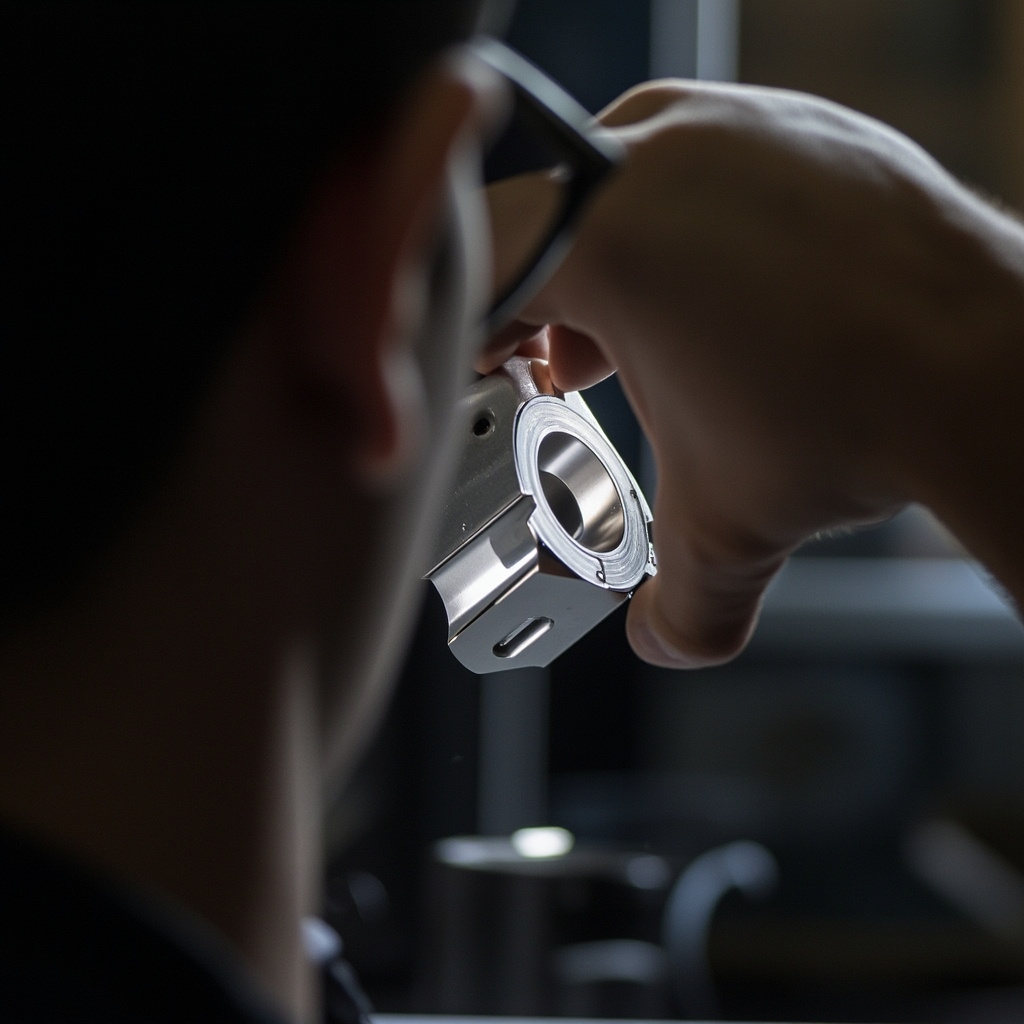
Prototype quality isn’t about hitting every dimension at ±0.005mm. It’s about giving you parts you can trust for decision-making. Here’s the difference between a useful prototype and a misleading one.
DFM for prototyping is different. In production DFM, you’re optimizing for yield and cycle time. In prototype DFM, you’re optimizing for information. Sometimes that means leaving features purposefully difficult to machine because the production process will also find them difficult — and you want to surface that problem now, not during the production pilot run.
Don’t over-specify surface finish. A 32 Ra finish takes longer and costs more than a 63 Ra finish. For functional prototypes, 63 Ra is usually plenty. If the production part requires 32 Ra for a sealing surface, that’s worth testing — but only on that surface. Don’t blanket-specify finish across the entire part.
Document everything that goes wrong. The most valuable output of a prototype phase isn’t the parts — it’s the DFM feedback, the tolerance stack-up discoveries, and the assembly issues you uncover. Keep a running log. When the project moves into production, that log is worth more than the prototype parts themselves.
Plan for iteration. First-article prototypes rarely work perfectly. Budget for at least two iterations — Rev A to find the problems, Rev B to fix them. If Rev A works perfectly on the first try, either you got lucky or you’re not testing hard enough.
Getting Started — Practical Steps
- Define what you’re testing. Write down the specific questions your prototype needs to answer. “Does this bracket hold 200kg?” is a test. “I want to see what it looks like” is also a test, but it’s a different kind of prototype. The test drives everything else — material, tolerances, finishing.
- Design for the test, not for production. Add features that help you measure — flat datum surfaces, tooling ball holes, witness marks. Remove features that aren’t being tested. Simplify non-critical geometry. A prototype is a scientific instrument, not a product.
- Choose your material based on test requirements. If you’re measuring deflection, use the material that matches your FEA. If you’re checking assembly fit, almost any rigid material works. Don’t default to the production material without asking whether the prototype test actually needs it.
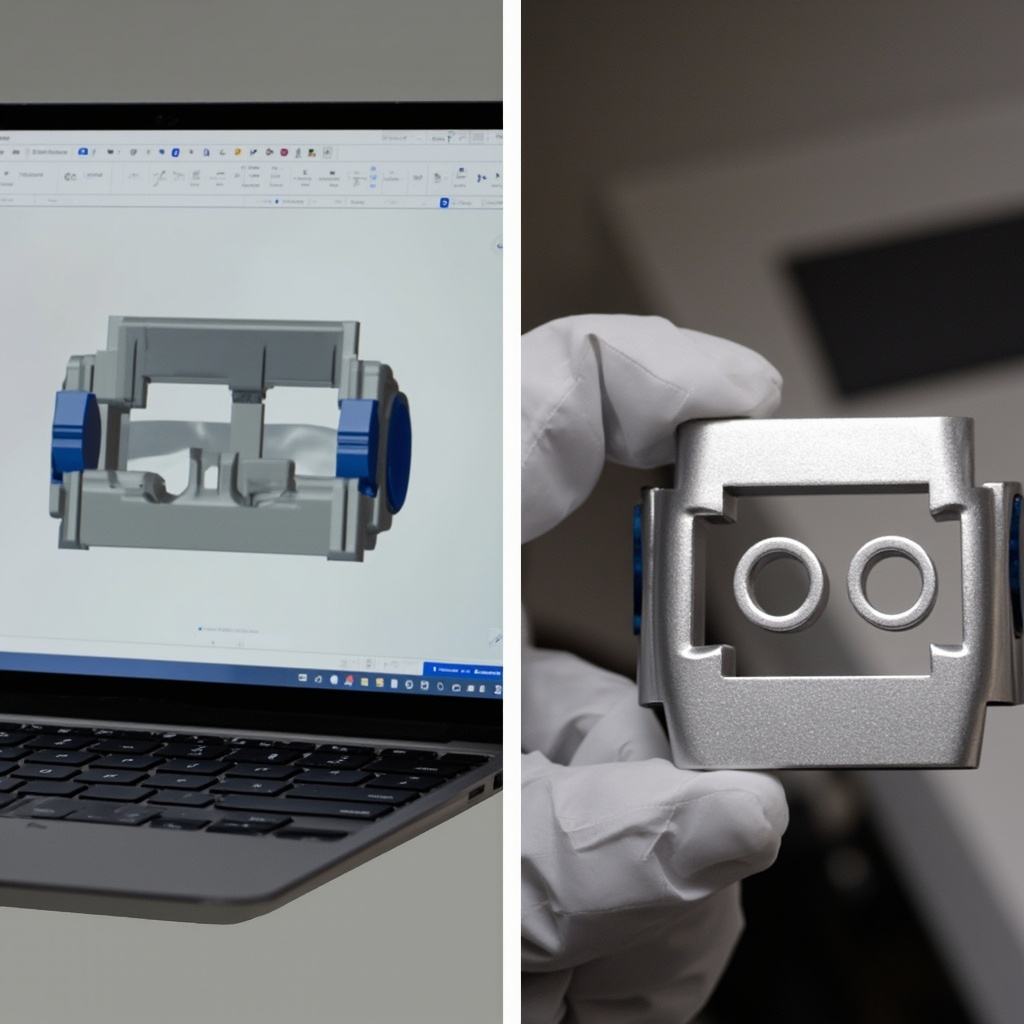
- Upload your STEP file and review the DFM feedback carefully. Every flag is a potential problem — or a potential learning point. Don’t just dismiss flags because “it’s just a prototype.” Some flags might represent real manufacturing risks that will bite you in production.
- Set tolerances per-feature, not per-drawing. The prototype quoting engine doesn’t know which features are critical. You do. Tell it explicitly: ±0.25mm general, ±0.05mm on bearing bores, ±0.025mm on dowel holes. Don’t make the machinist guess.
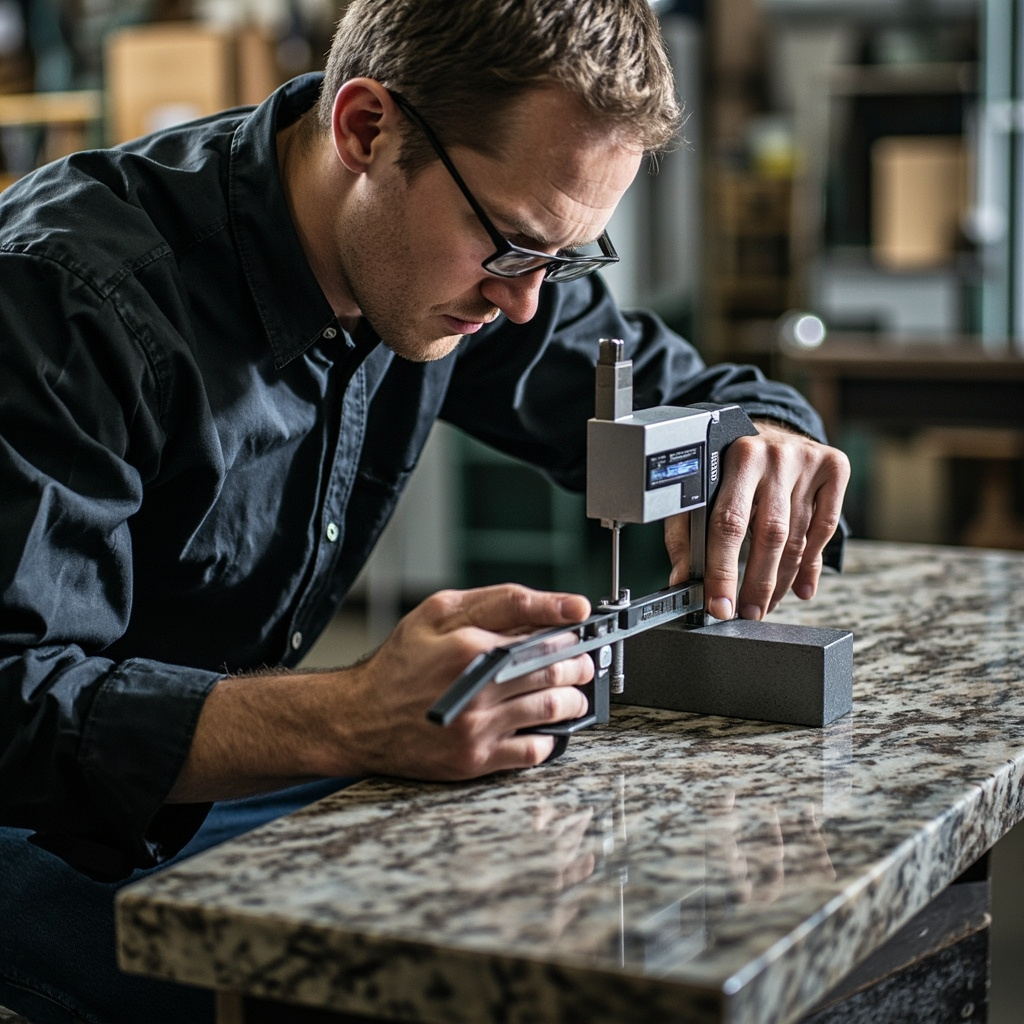
- Order with data if you need it. For functional prototypes that are validating FEA models, get the CMM report. Comparing actual dimensions to nominal tells you whether the test results reflect your design or a manufacturing deviation.
- Test, document, iterate. Take photos of failures. Measure fits with feeler gauges. Write down every surprise. Share the results with your manufacturing partner — good ones learn from your prototype feedback and apply it to your next iteration.
Conclusion
CNC prototyping is the fastest path from a CAD model to a functional part you can actually test. It gives you real material properties, production-quality tolerances, and the confidence that your design will work — not just look good on a screen. But it only works if you approach it with the right mindset: prototype to learn, not to produce.
The engineers who get the most value from CNC prototyping are the ones who treat every prototype as an experiment. They define the hypothesis, design the test article, and read the results. They don’t get attached to parts that need to change. And they build relationships with manufacturing partners who understand that prototypes are about speed and learning, not about hitting a unit price target.
Upload your STEP file. Read the DFM feedback. Order the parts. Test them. Then do it again — faster and smarter this time.
Got a prototype to make? Upload your STEP file at nylonplastic.com/one-stop-solution for an instant CNC prototyping quote with automated DFM analysis. Need help choosing between CNC and 3D printing for your prototype? Our material selection hub compares properties side by side. For complex multi-process prototypes, our engineering team reviews every order and provides manufacturing recommendations within one business day.
FAQ
When should you use prototype CNC machining?
Prototype CNC Machining: From Concept to Functional Parts — Complete Workflow is the right choice when the part requires machined accuracy, controlled surfaces, repeatable features, and a material that can be cut reliably.
What should be confirmed before sending a prototype part for quote?
Confirm the drawing version, material grade, tolerances, quantity, critical dimensions, surface finish, and inspection requirements before production starts.
What usually drives prototype machining cost?
Cost is usually driven by material, setup time, machine time, tolerance difficulty, fixturing, tool access, finishing, inspection, and order quantity.
How can engineers reduce fit and function risk before production?
Quality risk is reduced by marking critical features clearly, avoiding unnecessary tight tolerances, confirming manufacturability early, and using inspection data for important dimensions.
Related Reading
- CNC Machining — Full Equipment List & Capability Chart
- CNC Machining Materials Guide — Properties, Costs & Lead Times
- Product Design for Manufacturing — DFM Best Practices
- 3D Printing Services — When to Print vs. When to Machine
- Deburring in CNC Machining: Methods, Standards, and What Your Parts Actually Need
- 3D Printing vs CNC Machining: When to Use Each — Practical Decision Guide
- Rapid CNC Prototyping: Getting Functional Parts Fast — Engineer’s Workflow