What Is Polycarbonate (PC) Filament?
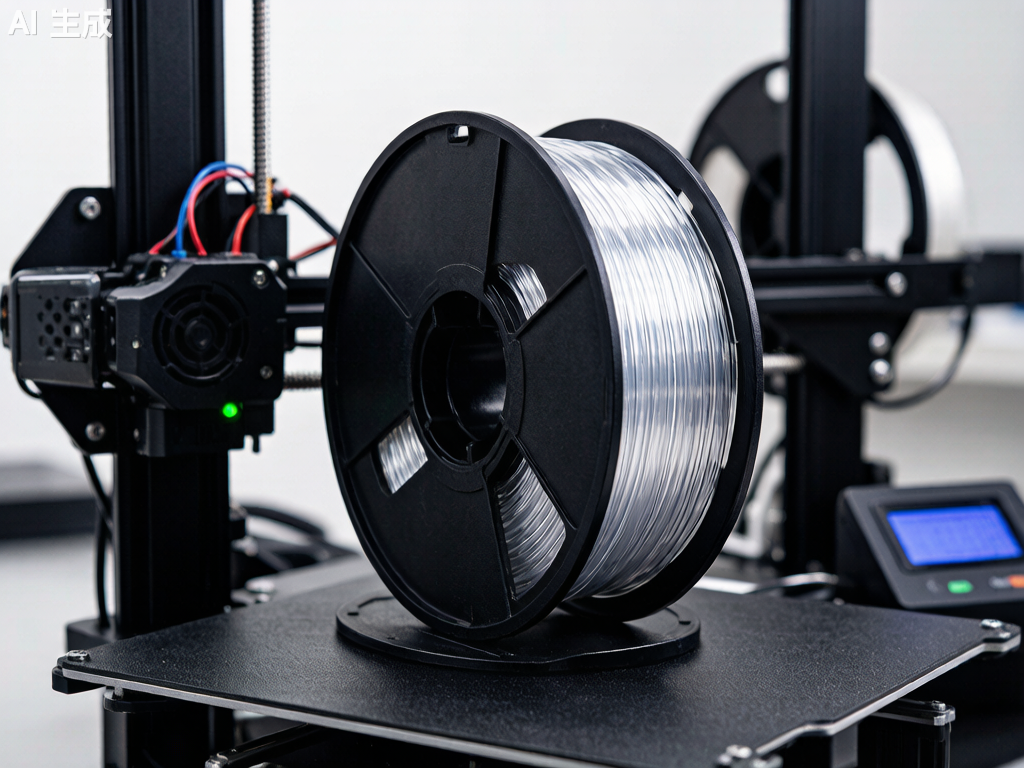
Polycarbonate (PC) filament is one of the strongest, most impact-resistant thermoplastics available for desktop 3D printing. If you have ever worked with ABS or PETG and wished for more strength, higher heat resistance, or better optical clarity, PC is the logical next step.
PC filament bridges the gap between consumer-grade materials like PLA and PETG and industrial-grade engineering plastics like PEEK and PEI. It offers a unique combination of properties: extreme impact resistance (up to 200 times that of glass), high tensile strength (55–75 MPa), a glass transition temperature around 147°C, and natural transparency that few other printable filaments can match.
At Nylon Plastic, we supply engineering-grade PC filament alongside our comprehensive range of nylon and high-performance materials, helping manufacturers and advanced hobbyists push the limits of what desktop 3D printing can achieve.
PC Filament Properties at a Glance
| Property | Polycarbonate (PC) | ABS (for reference) | PETG (for reference) |
|---|---|---|---|
| Tensile Strength | 55–75 MPa | 35–45 MPa | 45–55 MPa |
| Flexural Modulus | 2,200–2,500 MPa | 1,700–2,100 MPa | 1,500–2,000 MPa |
| Impact Strength (Izod) | 600–900 J/m | 150–300 J/m | 70–100 J/m |
| Glass Transition Temperature (Tg) | 147°C | 105°C | 80°C |
| Heat Deflection Temperature (HDT @ 0.45 MPa) | 130–140°C | 90–100°C | 68–70°C |
| Density | 1.20 g/cm³ | 1.04 g/cm³ | 1.27 g/cm³ |
| Optical Clarity | Transparent (natural) | Opaque | Translucent to transparent |
| UV Resistance | Moderate (add UV stabilizer) | Poor (yellows quickly) | Good |
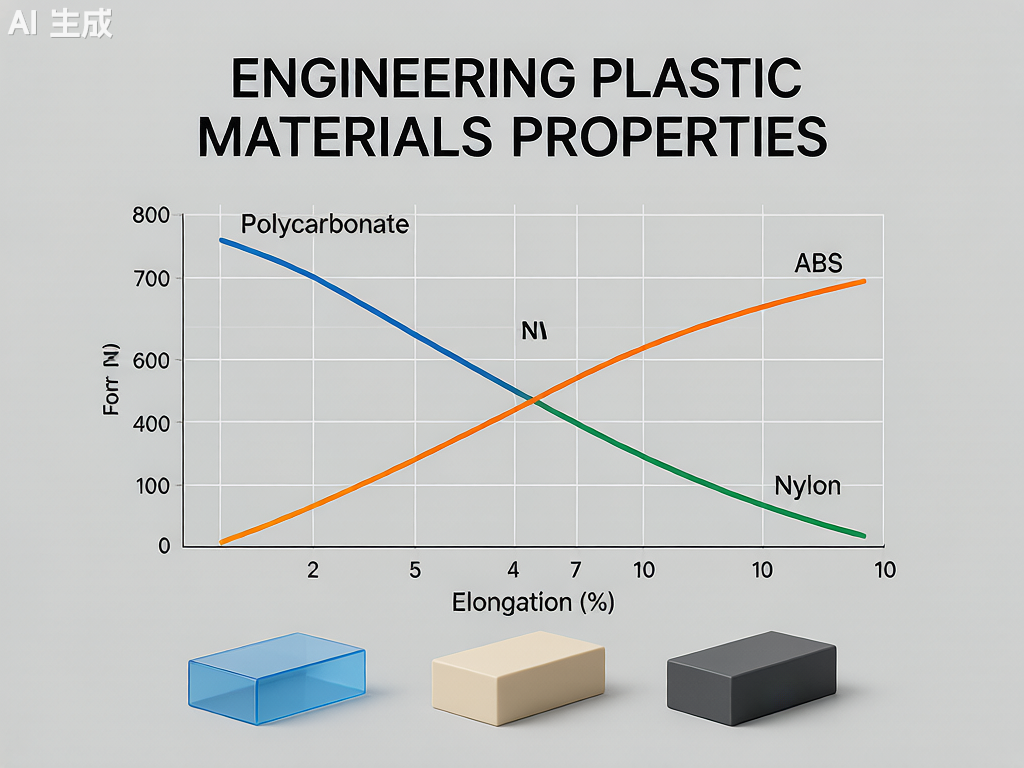
What makes PC filament stand out is its impact resistance. With an Izod impact strength of 600–900 J/m, it absorbs shock and sudden loads far better than PLA, PETG, or even ABS. This is why polycarbonate is the go-to material for safety goggles, bullet-resistant glazing, and electrical enclosures — and why it makes exceptional 3D printed functional parts.
Required Printer Specifications for PC Filament
Not every 3D printer can print PC filament. Before you buy a spool, make sure your setup meets these minimum requirements:
Hotend Temperature: 260–310°C
PC filament prints at 260–310°C depending on the brand and specific formulation. This means your hotend must have an all-metal heat break — PTFE-lined hotends degrade rapidly above 240°C and release toxic fumes. If your printer has a stock PTFE-lined hotend (common on entry-level machines like the Ender 3), you will need to upgrade to an all-metal hotend before printing PC.
Heated Bed: 90–120°C
A heated bed capable of maintaining 90–120°C is essential for PC adhesion and warp prevention. Many budget printers max out at 100°C on the bed, which can work for smaller PC prints but may be marginal for larger parts. An enclosed build chamber is strongly recommended to maintain ambient temperature and reduce warping.
Enclosure: Strongly Recommended
PC filament warps badly without a consistent thermal environment. An enclosure keeps the ambient temperature stable and prevents drafts from causing layer delamination. If your printer does not have a built-in enclosure, a DIY enclosure (cardboard box, photo tent, or IKEA Lack table enclosure) can work in a pinch, but aim for an ambient temperature of at least 45–60°C inside the chamber.
Build Surface: PEI, Garolite, or PC-Specific Adhesive
PC sticks well to PEI-coated spring steel sheets at 100–110°C. Garolite (G10/FR4) is another excellent surface — apply a thin layer of PVA glue stick as a release agent. Glass with glue stick also works but has a higher failure rate on large parts. Avoid printing PC directly on bare glass or BuildTak-style surfaces, as the strong adhesion can damage both the part and the bed during removal.
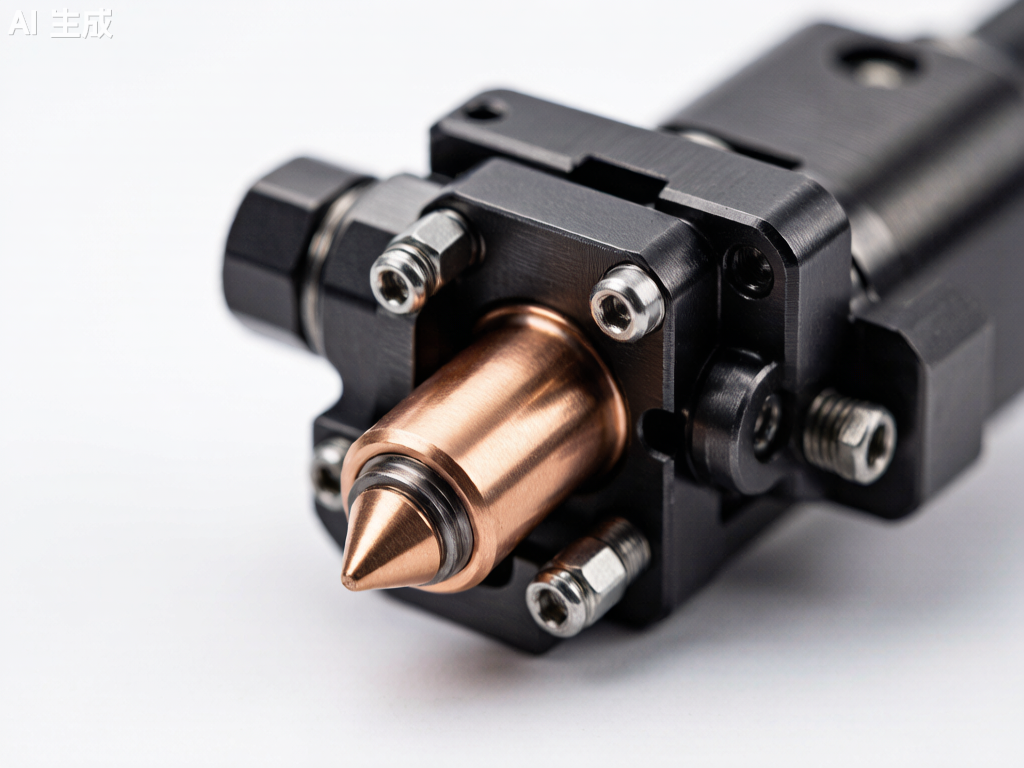
Nozzle Material: Hardened Steel Recommended
Pure PC filament is not abrasive, so a standard brass nozzle works fine. However, many PC blends — particularly PC-CF (carbon fiber filled) and PC-GF (glass fiber filled) — are highly abrasive. If you plan to print filled PC variants, upgrade to a hardened steel or ruby-tipped nozzle.
| Requirement | Minimum | Recommended |
|---|---|---|
| Hotend Temperature | 260°C | 280–300°C |
| Bed Temperature | 90°C | 100–110°C |
| Hotend Type | All-metal | All-metal + hardened nozzle |
| Enclosure | DIY enclosure (cardboard box) | Heated enclosure (45–60°C) |
| Build Surface | PEI + glue stick | Garolite (G10) with PVA |
PC Filament Print Settings: A Practical Guide
Nozzle Temperature: Start at 270°C
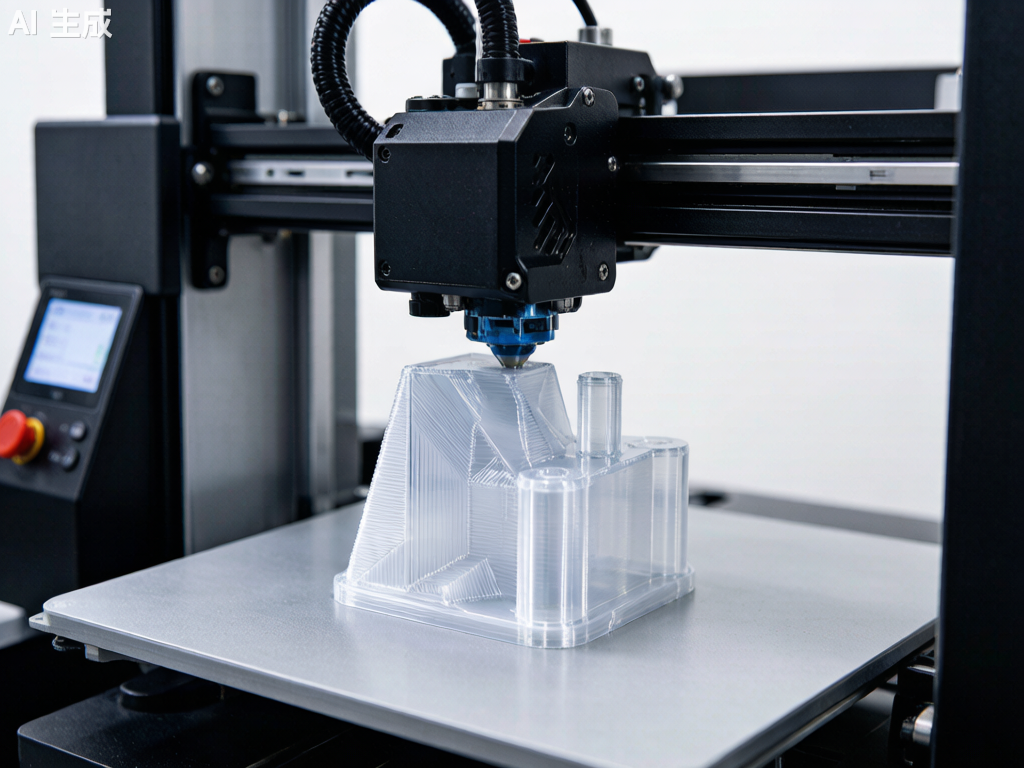
Most PC filaments print well between 260°C and 310°C. Start at 270°C for your first test print and print a temperature tower to dial in the optimal setting for your specific filament brand. Higher temperatures improve layer adhesion but increase oozing and stringing; lower temperatures reduce stringing but risk poor interlayer bonding.
Signs of temperature too low: poor layer adhesion, delamination during printing, or matte/dull surface finish. Signs of temperature too high: excessive stringing, bubbling, yellowing/burning, or carbonized nozzle buildup.
Bed Temperature: 100–110°C
Set the bed to 100°C for the first layer, then reduce to 90–100°C for the remainder of the print. For large parts (over 150mm in any dimension), maintain 110°C throughout the print to maximize adhesion and reduce warping.
Print Speed: Slow Down
PC filament prints best at slower speeds: 30–50 mm/s for perimeters and 40–60 mm/s for infill. The first layer should be even slower — 20–25 mm/s with no cooling fan. Unlike PLA, which benefits from aggressive part cooling, PC needs time for each layer to fuse properly with the layer below.
Cooling Fan: Off or Very Low
Turn the part cooling fan off for the first 3–5 layers, then run it at a maximum of 20–30% only if needed for bridging and overhangs. Excessive cooling is the number one cause of warping and layer delamination with PC — think of it like printing ABS but with even less cooling tolerance.
Retraction Settings
PC is less prone to stringing than PETG, but it still benefits from proper retraction. For direct-drive extruders: 1–2mm retraction distance at 30–40 mm/s. For Bowden setups: 4–6mm retraction distance at 40–50 mm/s. If you see stringing, increase retraction distance before adjusting temperature.
Drying: Absolutely Essential
PC filament is moderately hygroscopic — it absorbs moisture from the air, and wet PC prints terribly. Bubbles, popping sounds from the nozzle, poor layer adhesion, and a rough surface finish all point to wet filament. Dry PC filament at 80–100°C for 4–6 hours before printing, and store it in a sealed container with desiccant. Print directly from a filament dryer if possible.
| Setting | Starting Value | Notes |
|---|---|---|
| Nozzle Temperature | 270°C | Print a temperature tower to fine-tune |
| Bed Temperature | 100°C (first layer: 110°C) | Maintain 110°C for large parts |
| Print Speed | 40 mm/s | First layer at 25 mm/s |
| Cooling Fan | 0–20% | Off for first 3–5 layers; minimal thereafter |
| Retraction (Direct Drive) | 1.5mm @ 35 mm/s | Bowden: 5mm @ 45 mm/s |
| Drying | 80–100°C for 4–6 hours | Store in sealed container with desiccant |
Common PC Filament Problems and Solutions
Warping and Lifting
Cause: Insufficient bed adhesion or ambient temperature fluctuations. PC has a relatively high coefficient of thermal expansion, meaning it shrinks significantly as it cools.
Solution: Increase bed temperature to 110°C, use an enclosure, add a 10mm brim, and apply a thin layer of PVA glue stick on the build plate. For stubborn warping on large parts, use a draft shield (available as a slicer setting in most slicers) to contain heat around the print.
Layer Delamination (Splitting Between Layers)
Cause: Printing temperature too low or cooling fan running too aggressively. The layers cool before properly fusing with the previous layer.
Solution: Increase nozzle temperature by 5–10°C, turn off part cooling completely, reduce print speed by 10–15 mm/s, and ensure the enclosure is maintaining stable ambient temperature.
Moisture-Related Defects (Bubbles, Popping, Rough Surface)
Cause: Wet filament. PC absorbs moisture from ambient air within 24–48 hours of exposure.
Solution: Dry filament at 80–100°C for 4–6 hours. Print directly from a filament dryer running at 70°C. Store unused filament in a vacuum-sealed bag with fresh desiccant.
Stringing and Oozing
Cause: Temperature too high, retraction insufficient, or wet filament.
Solution: Lower nozzle temperature by 5°C increments, increase retraction distance by 0.5mm, and ensure filament is properly dried. PC is less stringy than PETG but still needs tuning.
PC Filament Variants: PC-ABS, PC-CF, PC-GF, and More
Pure PC filament is excellent, but several PC-based blends expand its capabilities:
PC-ABS Blend
PC-ABS blends combine polycarbonate’s heat resistance and impact strength with ABS’s improved printability and lower cost. Typical printing temperature: 250–270°C, bed: 100–110°C. PC-ABS is easier to print than pure PC (less warping) while retaining most of the mechanical benefits. Common applications include automotive interior parts and consumer electronics housings.
PC-CF (Carbon Fiber Filled)
Adding 10–20% carbon fiber to PC dramatically increases stiffness (flexural modulus can exceed 6,000 MPa) and reduces warping by lowering the coefficient of thermal expansion. Trade-offs: the filament becomes brittle (lower impact strength), highly abrasive (requires hardened nozzle), and loses transparency (becomes black/matte). PC-CF is ideal for structural brackets, drone frames, and jigs and fixtures where stiffness matters more than impact resistance.
PC-GF (Glass Fiber Filled)
Glass fiber-filled PC offers stiffness improvements similar to PC-CF but at a lower cost and with better impact resistance retention. PC-GF is also abrasive, so a hardened nozzle is required. It is commonly used for industrial tooling, functional prototypes, and parts requiring dimensional stability at elevated temperatures.
PC-PBT and PC-PET Blends
Less common but notable: PC-PBT blends offer improved chemical resistance over pure PC, while PC-PET blends combine PC’s strength with PET’s ease of printing. These are specialty materials for specific applications like chemical-resistant enclosures and food-contact components (subject to FDA compliance verification).
| Variant | Key Advantage | Trade-off | Nozzle |
|---|---|---|---|
| Pure PC | Transparency, impact resistance | Warping, high temp required | Brass OK |
| PC-ABS | Easier to print, lower cost | Slightly lower heat resistance | Brass OK |
| PC-CF | Extreme stiffness, low warping | Brittle, abrasive, opaque | Hardened steel required |
| PC-GF | Good stiffness, lower cost | Abrasive, opaque | Hardened steel required |
| PC-PBT | Chemical resistance | Less common, harder to source | Brass OK |
PC vs Other High-Temperature Filaments: When Does PC Win?
PC filament sits in a sweet spot between mid-range materials (ABS, PETG) and ultra-premium filaments (PEEK, PEI). Here is how it compares:
| Material | Print Temp | Tg / HDT | Cost per kg | Best For |
|---|---|---|---|---|
| PC | 260–310°C | 147°C / 138°C | $35–60 | Impact-resistant functional parts, transparent prototypes |
| ABS | 230–260°C | 105°C / 98°C | $15–25 | Budget enclosures, general prototyping |
| ASA | 240–260°C | 105°C / 95°C | $25–40 | Outdoor parts needing UV resistance |
| Nylon (PA6) | 250–280°C | 50–60°C / 160°C | $30–50 | Wear parts, gears, flexible components |
| PEI (Ultem) | 350–390°C | 217°C / 200°C | $150–250 | Aerospace, medical, extreme environments |
| PEEK | 360–410°C | 143°C / 250°C+ | $400–800 | Highest-performance applications |
Choose PC when: you need impact resistance that ABS cannot deliver, transparency that nylon cannot provide, or heat resistance that PETG cannot handle — and your printer can maintain the required temperatures with an enclosure.
Skip PC when: your printer lacks an all-metal hotend and enclosure, you need maximum chemical resistance (use nylon or PEI), or you are printing flexible parts (use TPU or nylon instead).
Best PC Filament Brands in 2026
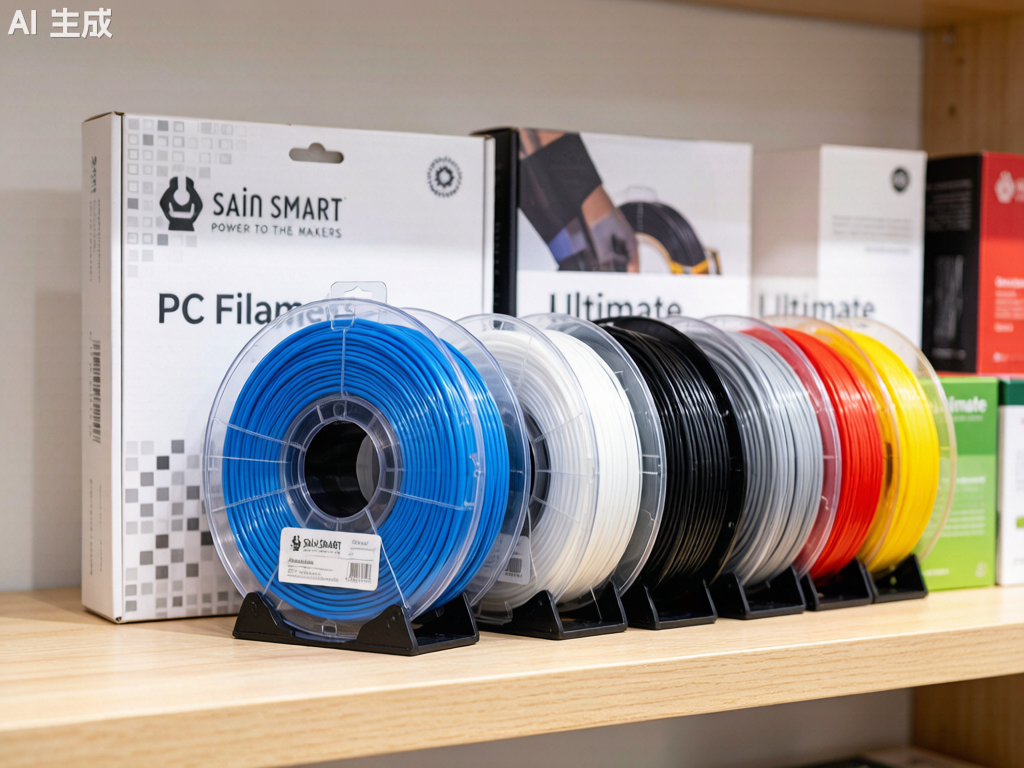
Several manufacturers produce reliable PC filament. Based on community testing and practical experience:
- Prusament PC Blend — Prusa’s in-house PC blend prints at 260–280°C with excellent consistency and is among the easiest PC filaments to print on properly equipped machines.
- Polymaker PolyMax PC — Known for exceptional layer adhesion and impact resistance; prints at 250–270°C with good bed adhesion on PEI.
- 3DXTech PC — Industrial-grade PC and PC blends (PC-CF, PC-GF) made in the USA with tight diameter tolerances; typically requires 280–310°C.
- eSUN ePC — A more affordable option that prints at 250–270°C, suitable for users transitioning from ABS/PETG to PC. Slightly lower heat resistance than premium brands.
- Bambu Lab PC — Optimized for Bambu Lab enclosed printers with RFID spool recognition; prints reliably at 270–290°C.
When sourcing PC filament, prioritize consistent diameter (within ±0.03mm), proper vacuum-sealed packaging with desiccant, and a manufacturer that provides a detailed technical datasheet (TDS) with mechanical property data.
Safety Considerations When Printing PC Filament
PC filament printing produces fumes that, while less immediately toxic than ABS fumes, still warrant ventilation. Key safety practices:
- Print in a well-ventilated area or use an enclosure with a fume extraction system (HEPA + activated carbon filter).
- Avoid extended exposure to printing fumes in unventilated rooms — bisphenol A (BPA) is a component of polycarbonate, and while the risk from FDM printing is low compared to industrial processing, precaution is warranted.
- Do not burn or overheat PC filament beyond recommended temperatures — thermal decomposition starts around 350°C and produces potentially harmful compounds.
- Wear heat-resistant gloves when handling PC prints fresh off the bed — the bed operates at 100°C+ and the part itself can cause burns.
Conclusion: Is PC Filament Right for Your 3D Printing Projects?
PC filament is not for beginners. It demands an all-metal hotend, a heated bed capable of 100°C+, an enclosure, and careful attention to print settings and filament drying. But for users who can meet these requirements, PC delivers a combination of impact strength, heat resistance, and optical clarity that no other sub-$100/kg filament can match.
For professional applications — functional prototypes, jigs and fixtures, electrical enclosures, automotive under-hood components, and transparent mechanical parts — PC filament is often the best material available on a desktop printer short of PEEK or PEI.
At Nylon Plastic, we supply engineering-grade PC filament alongside our full range of nylon (PA6, PA66, PA12), carbon fiber-filled, and glass fiber-filled materials for demanding 3D printing, CNC machining, and injection molding applications. If you need technical guidance on material selection or want to discuss your specific application requirements, our engineering team is available to help.
Frequently Asked Questions
Can I print PC filament on an Ender 3?
Only with significant upgrades. The stock Ender 3 has a PTFE-lined hotend (unsafe above 240°C) and lacks an enclosure. You would need to upgrade to an all-metal hotend (such as the Micro Swiss or Slice Engineering Copperhead), add an enclosure, and potentially upgrade the heated bed power supply to maintain 100°C reliably. Even with these upgrades, a stock Ender 3 is not ideal for PC — printers with native all-metal hotends and enclosures (such as the Bambu Lab X1C, Prusa MK4 with enclosure, or QIDI X-Max 3) are better choices.
How do I stop PC filament from warping?
Warping prevention requires: (1) a heated enclosure maintaining 45–60°C ambient temperature, (2) bed temperature at 100–110°C, (3) a 10mm brim or draft shield enabled in your slicer, (4) proper bed adhesion (PEI or Garolite with PVA glue stick), and (5) turning the part cooling fan off or running it at no more than 20%. Large flat parts are the most warp-prone — consider orienting them at an angle or splitting them into smaller sections if warping persists.
Does PC filament need to be dried before printing?
Yes, absolutely. PC filament is moderately hygroscopic and wet filament causes bubbles, poor layer adhesion, stringing, and a rough surface finish. Dry PC at 80–100°C for 4–6 hours before printing. For best results, print directly from a filament dryer running at 70°C and store unused filament in a vacuum-sealed bag with fresh desiccant.
What is the difference between PC and PC-CF filament?
PC-CF (carbon fiber-filled polycarbonate) adds 10–20% chopped carbon fiber to pure PC. This increases stiffness (flexural modulus can double), reduces warping by lowering thermal expansion, and produces a matte black surface finish. Trade-offs: PC-CF is more brittle (lower impact strength), strongly abrasive (requires a hardened steel nozzle), and loses the natural transparency of pure PC. PC-CF is best for structural parts where stiffness matters most; pure PC is better for impact-resistant and transparent applications.