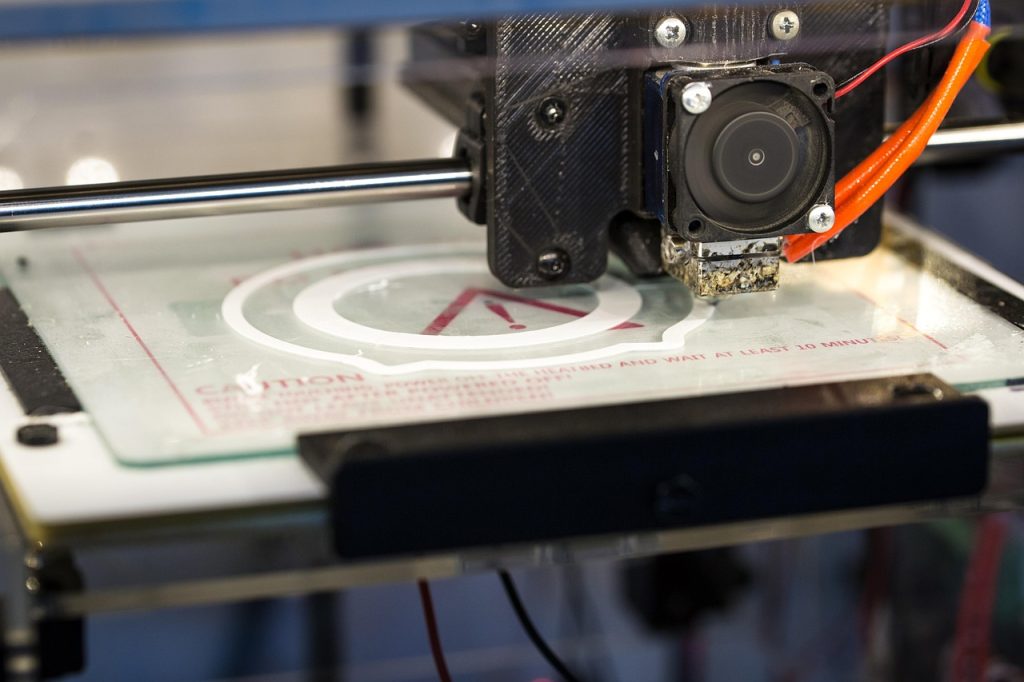

Selecting the right 3d printer extruder is one of the most impactful upgrade decisions you can make for your FDM printer. The right extruder unlocks higher print speeds, better material compatibility, and more consistent quality across long print jobs. The wrong choice results in clogs, skipped steps, and hours of frustration. This guide helps you evaluate extruders systematically and match them to your printing needs.
Factors to Consider When Choosing an Extruder
Before comparing specific models, define your requirements across these key dimensions:
- Material range — Do you only print PLA and PLA+ at 200-230°C, or do you need to handle nylon (250-280°C) and engineering polymers?
- Print speed goals — Standard printing at 40-80 mm/s requires less flow capacity than high-speed printing at 120-300 mm/s
- Flexible filament use — If you plan to print TPU or other flexibles, a constrained filament path (direct drive with minimal gap between drive gear and hot end) is essential
- Nozzle size range — Larger nozzles (0.6-1.2mm) require proportionally higher flow rates, demanding more powerful hot ends
- Budget and upgrade path — A high-quality extruder can last through multiple printer upgrades, so investing now can save money later
Best Extruders for PLA and PLA+ Printing
For users primarily printing PLA and PLA+, the extruder requirements are moderate. These materials melt easily and have low abrasiveness. Key specifications for PLA-optimized extruders:
- A brass nozzle (0.4mm is ideal for most applications)
- PTFE-lined or all-metal hot end (both work; PTFE provides smoother flow for standard PLA)
- Standard drive gear with moderate tension
- Single gear is sufficient; dual gear provides headroom for softer PLA+ variants
For PLA+ specifically, the slightly higher printing temperature (200-230°C) is well within the safe range of PTFE-lined hot ends. No special extruder hardware is required, though a dual-gear design may improve consistency with brands that use softer additive blends.

High-Flow Extruders for Fast Printing
High-flow extruders incorporate design features that dramatically increase the rate at which filament can be melted and extruded. Technologies like the CHT (Core Heating Technology) nozzle split the filament into three separate streams inside the nozzle, increasing the surface area exposed to heat and roughly doubling the achievable flow rate at the same nozzle size. This enables significantly faster printing without switching to a larger nozzle diameter.
High-flow extruders are worth considering if:
- Your printer’s motion system can exceed 100 mm/s print speeds
- You use 0.6mm or larger nozzles for rapid prototyping
- You notice matte (under-extruded) surfaces at your current print speeds, indicating the hot end is at its melt limit
All-Metal vs PTFE-Lined Hot Ends
| Feature | All-Metal | PTFE-Lined |
|---|---|---|
| Max Temperature | 300-500°C | 240-260°C |
| PLA/PLA+ Flow | Good, may need slightly higher temp | Excellent, very low friction |
| Engineering Materials | Required for nylon, PC, PEEK | Not suitable beyond PETG |
| Maintenance | Less frequent replacement | PTFE tube needs periodic replacement |
Upgrading Your 3D Printer Extruder
When upgrading, consider the following workflow:
- Measure current performance — Run a flow rate test using your typical filament to establish a baseline
- Define upgrade goals — Are you chasing speed, material range, or reliability?
- Check compatibility — Verify mounting pattern, thermistor type, heater cartridge voltage, and firmware support
- Budget for supporting upgrades — A high-flow extruder may require a more powerful heater cartridge and better part cooling
- Print calibration tests — Always run PID autotuning, flow rate calibration, and temperature towers after any extruder change
Common Extruder Problems and Solutions
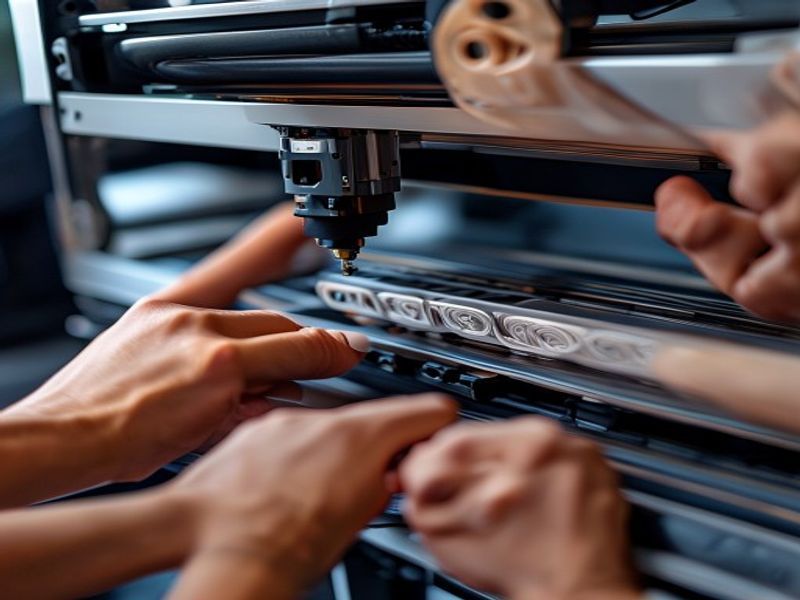
Even high-quality extruders can develop issues. The most frequent problems include heat creep (filament softening above the heat break, causing jams), worn drive gears (teeth fill with filament dust and lose grip), inconsistent idler tension (causing periodic under-extrusion), and partial nozzle clogs (most visible as diagonal lines in top surfaces). Most issues resolve with cleaning and adjustment rather than replacement.
Why Choose Nylon Plastic for Your 3D Printing and Engineering Plastic Needs
With over 10 years of experience in engineering plastics, Nylon Plastic supplies high-performance materials to B2B clients worldwide. Our product range covers nylon (PA6, PA66, PA12), POM, PEEK, and 3D printing filaments including PLA, PLA+, and PETG. Every batch is tested for diameter tolerance (±0.03mm), moisture content, and mechanical properties before shipping.
- ISO 9001 certified manufacturing facilities
- Bulk supply with competitive B2B pricing
- Technical support for material selection and printing parameters
- Fast global shipping from multiple warehouses
- Custom material formulation available for OEM projects
FAQ
When is How to Choose the Right 3D Printer Extruder for Your Setup a good option?
How to Choose the Right 3D Printer Extruder for Your Setup is a good option when fast iteration, complex geometry, low tooling cost, or low-volume production is more important than molded-part unit cost.
What should be checked before choosing How to Choose the Right 3D Printer Extruder for Your Setup?
Check part size, material properties, surface finish, dimensional tolerance, heat exposure, load direction, and whether post-processing is required.
How does How to Choose the Right 3D Printer Extruder for Your Setup compare with CNC machining?
3D printing can create complex shapes quickly, while CNC machining is often stronger for precise surfaces, tighter tolerances, and production-grade materials.
What affects the cost of How to Choose the Right 3D Printer Extruder for Your Setup?
Cost depends on material, build volume, print time, layer height, support removal, finishing, inspection, and the number of parts in the build.